English
-80-
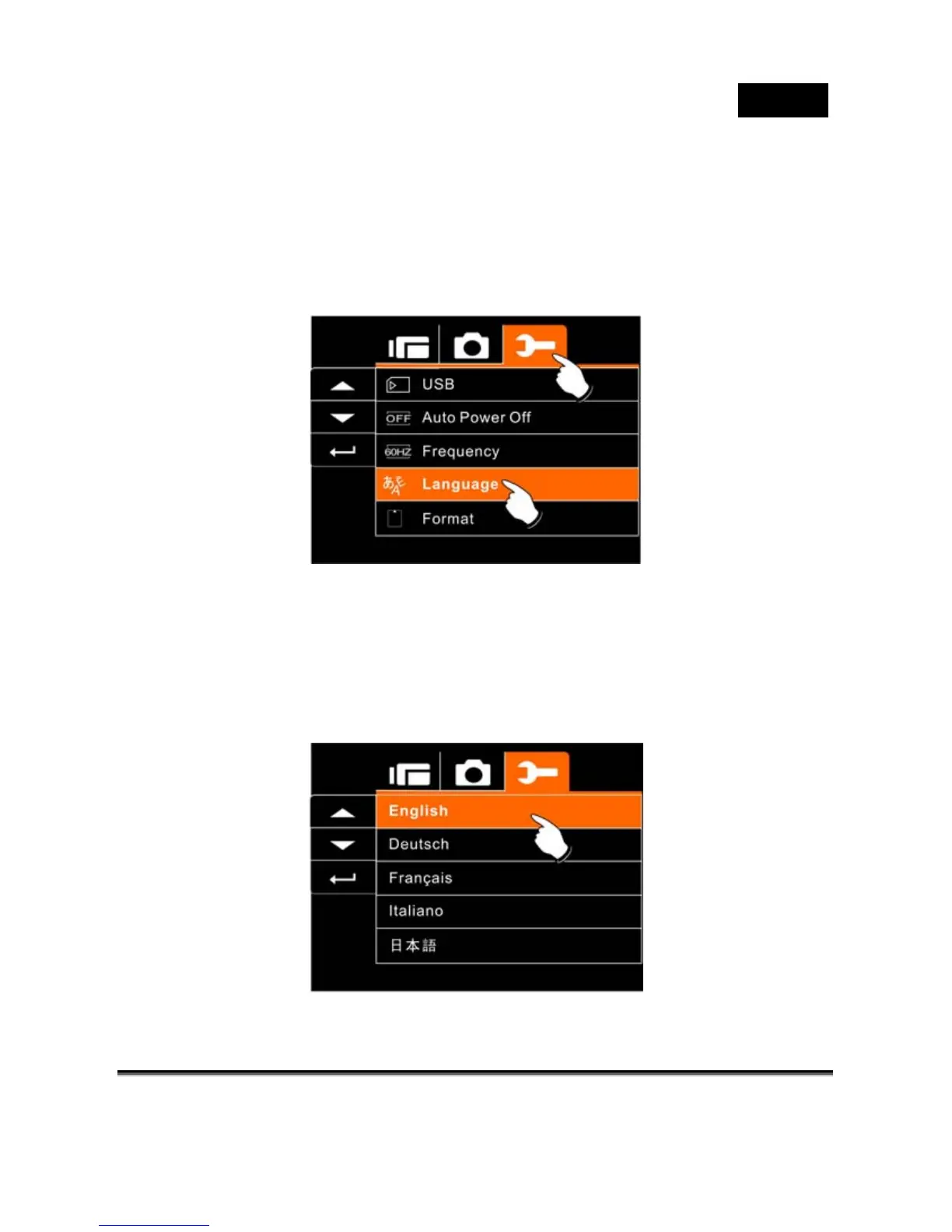
Language
1. Turn on the power of the Digital Video Camera. Then
select the Mode Button to “SET”. Move 4-Way Direction
Button up and down to highlight the Language and press
SET (Menu) button to confirm or touch the screen to
select.
2. Press 4-Way Direction Button or touch the screen to select
the following languages: English, German, French, Italian,
Japanese, Spanish, Portuguese, Traditional Chinese,
Simplified Chinese, Turkish, Russian, Thai, Arabian.



 To Next Page