English
-67-
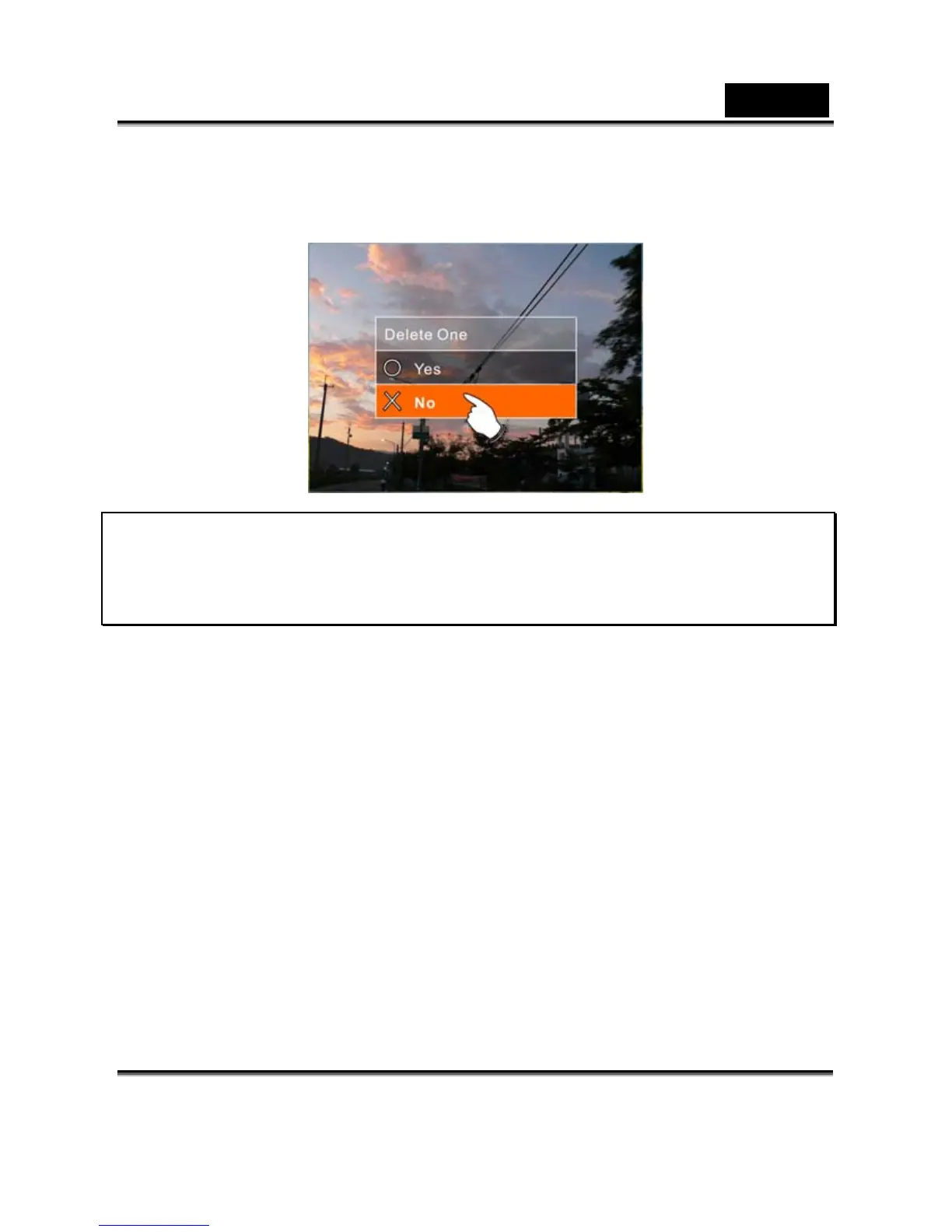
4. Press 4-Way Direction Button or touch the screen to select
“O” YES or “X” No and press SET (Menu) Button to delete
file(s).
Note: The files cannot be recovered once deleted. Therefore,
please make sure you have a backup file before delete. The
protect files will not be able to delete. Before delete of
Protected file, you must unlock the file.



 To Next Page