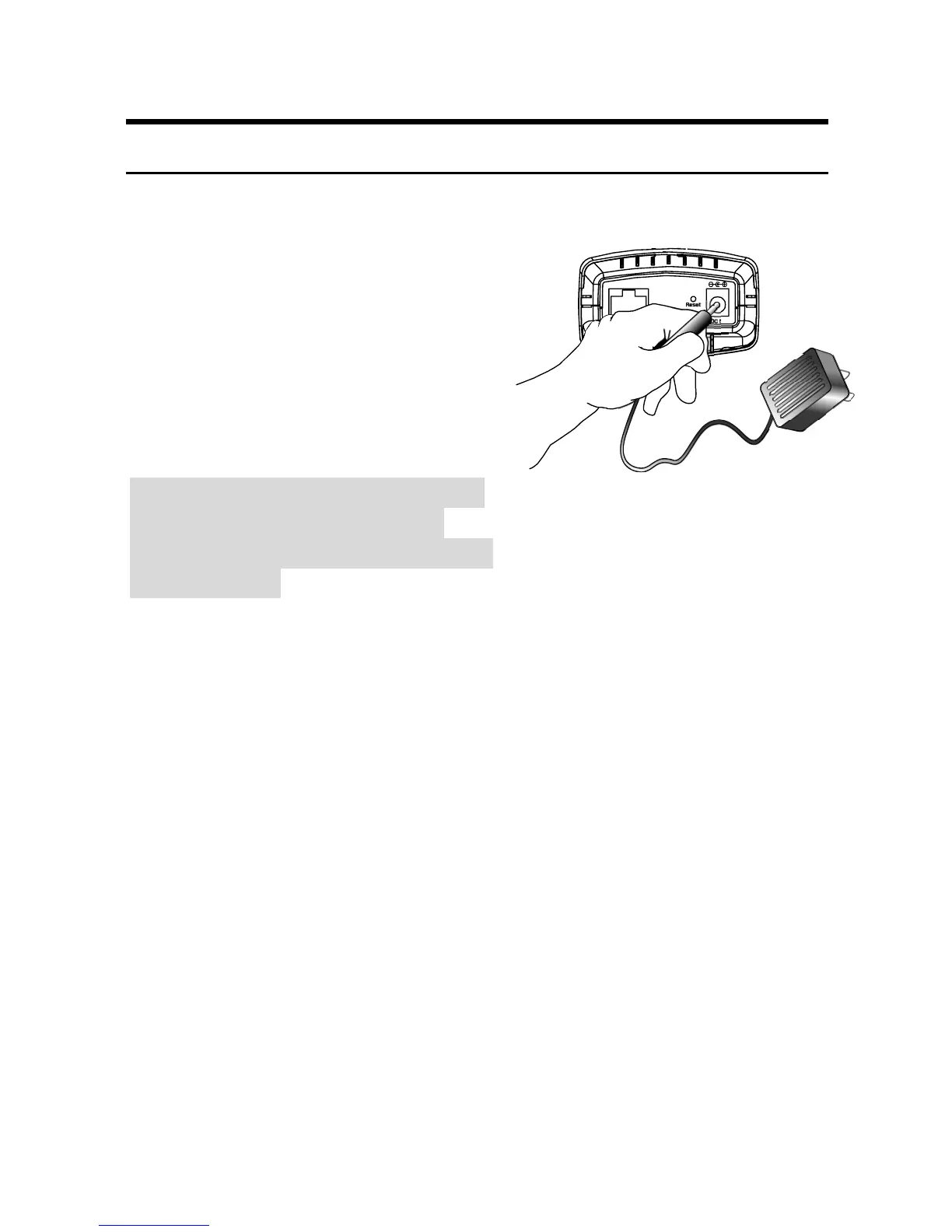
2 Attach the external power supply
Attach the external power
10/100Ethernet
DC 5V
Reset
supply to the DC power input
connector located on
IPCam SECURE300’s rear panel,
and then connect it to your local
power supply.
Note:
Confirm power source is supplied
from the LED indicators label
Power on the IPCam SECURE300
Is illuminated.
18



 To Next Page