System Administration – DateTime
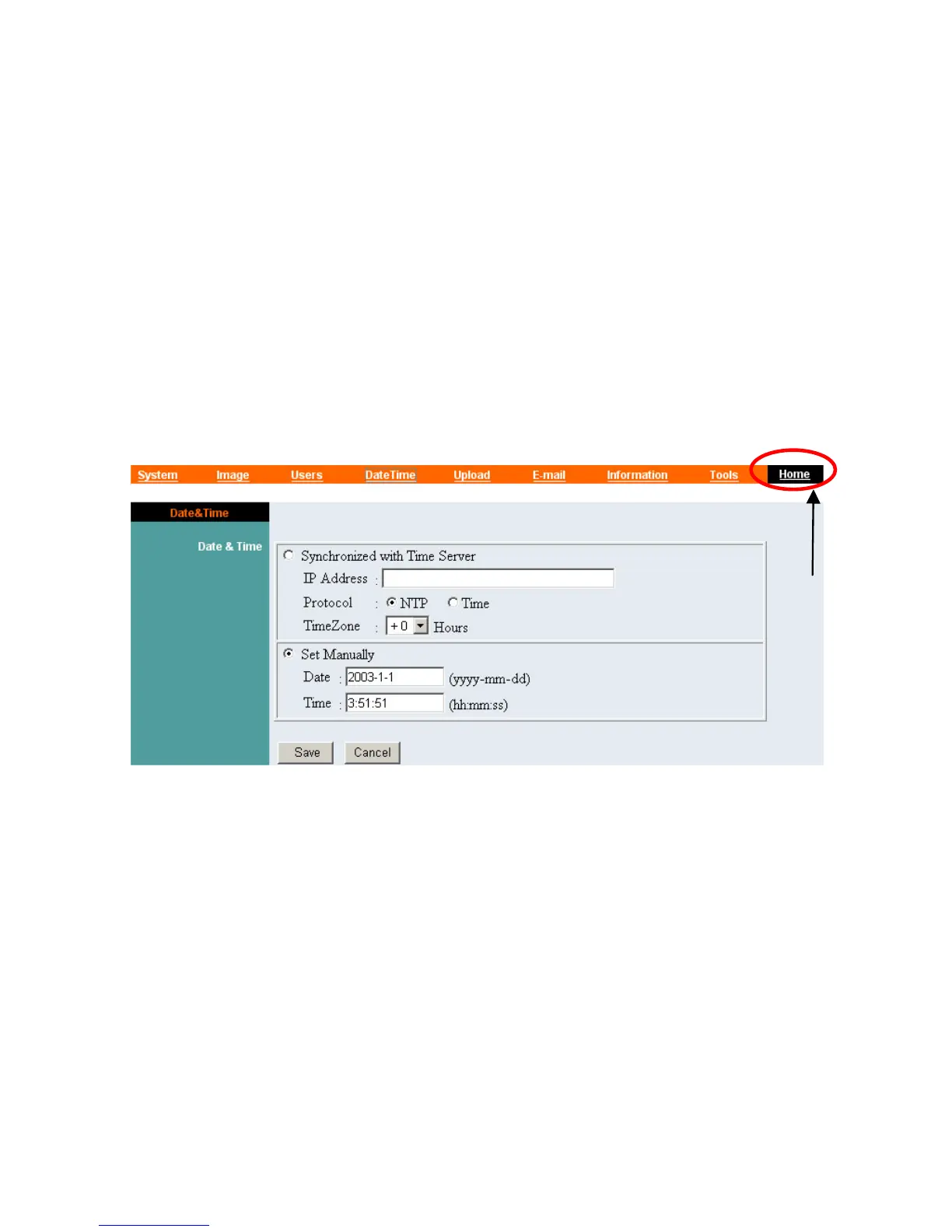
The DateTime menu contains commands for setting the IPCam
SECURE300's time and date requirements to provide correct
information to users who might be thousands of miles away in the
remote site. There are two options to select from the DateTime
menu bar either Synchronized with Time Server or Set Manually.
Click “DateTime” in the system administration menu bar and the
DateTime screen will appear as illustrated below:
Click “Home” to
return to Welcome
Screen
DateTime:
Select “Synchronized with Time Server” and the time will be
based on GMT setting. The time will be synchronized every 10
minutes. This is also the default setting for the IPCam
SECURE300.
IP Address:
Enter the IP Address of the Time Server in this field.
36



 To Next Page