Delete User:
Select the user you wish to delete from the pull down menu and
click the “delete” button.
Important Information
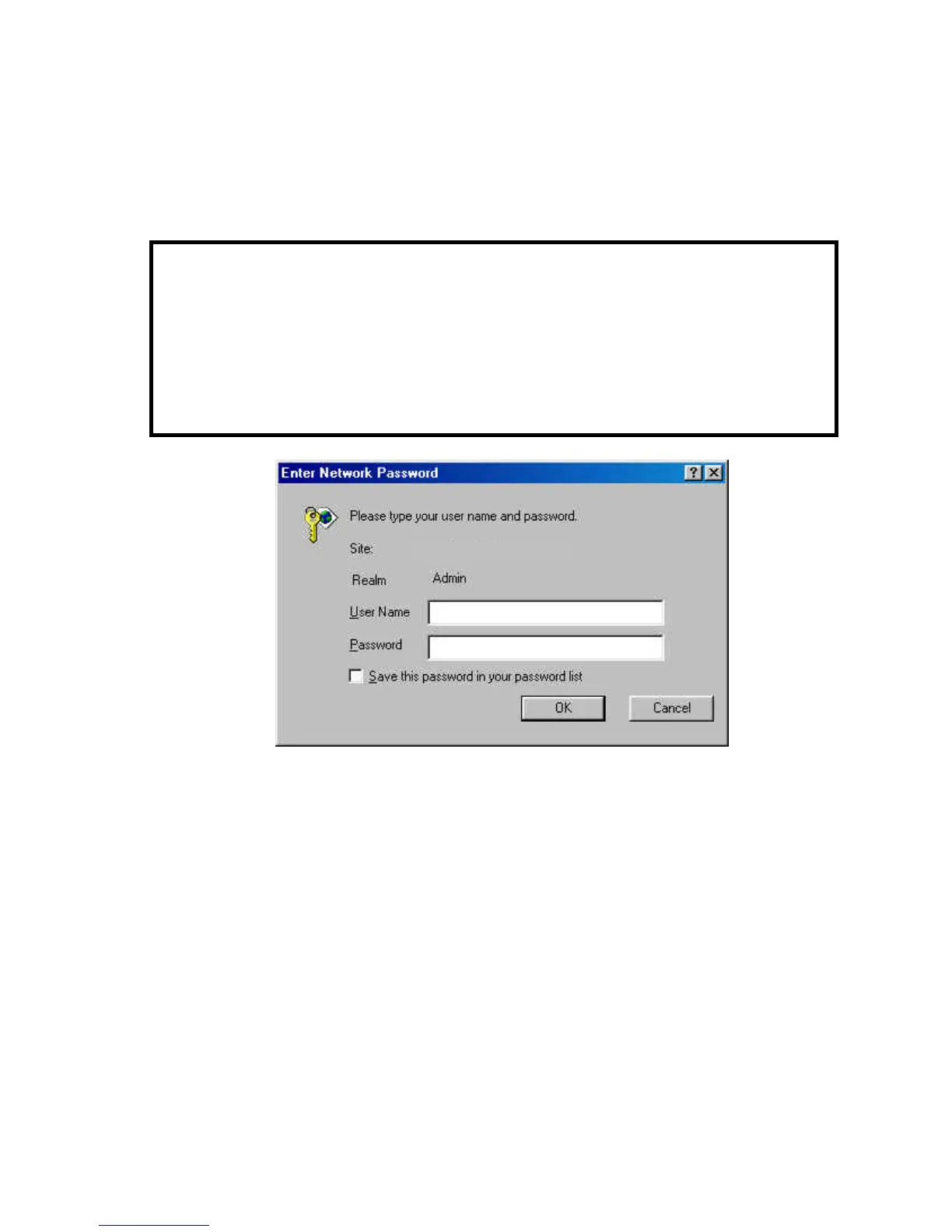
Once the administrator has configured the IPCam
SECURE300 Users, any user will be asked to enter a login
password to access the video image from the IPCam
SECURE300. The password dialog box is illustrated below.
192.168.0.20
35



 To Next Page