System Administration - Tools
The Tools menu contains commands for restarting the IPCam
SECURE300.
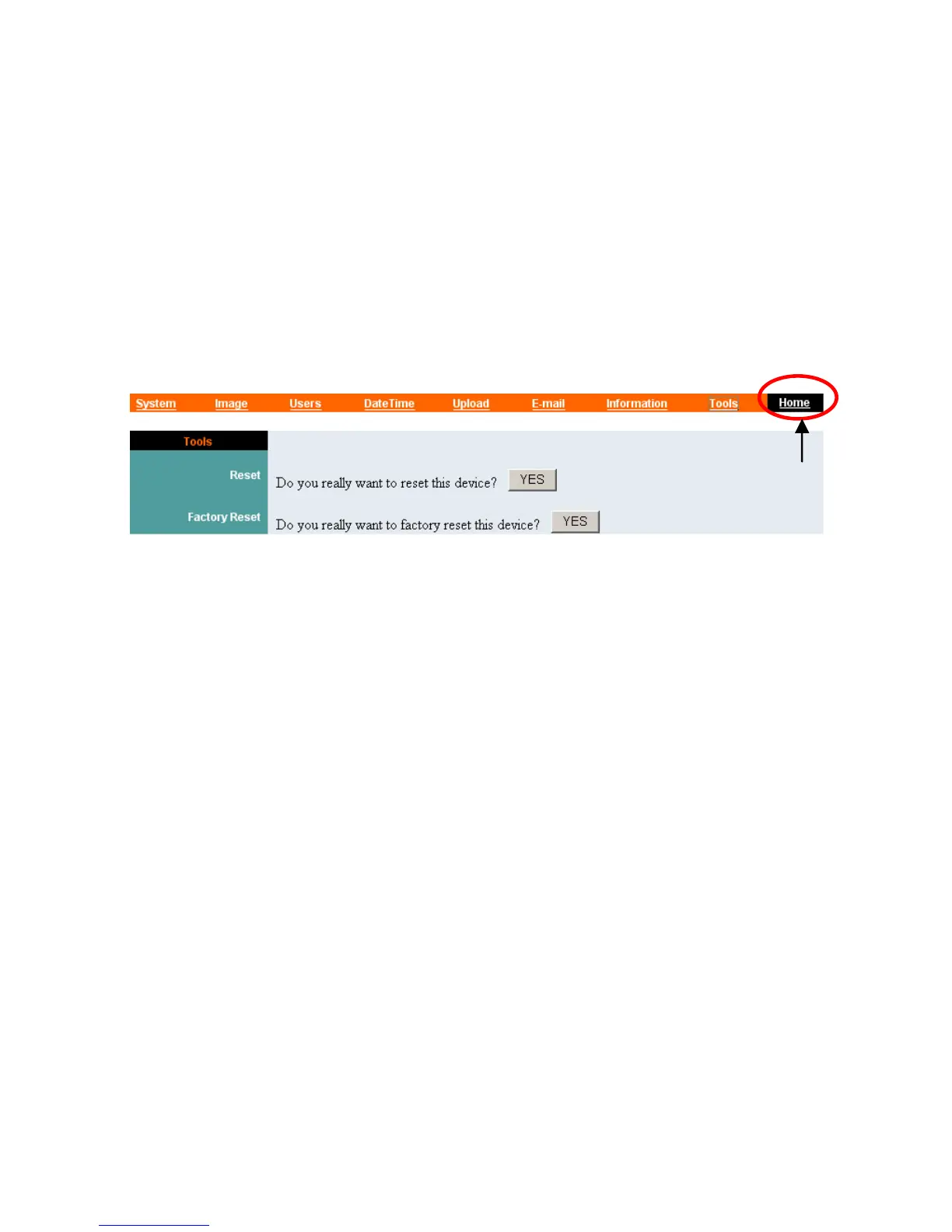
Click “Tools” in the system administration menu bar and the
Tools screen will appear as illustrated below:
Click “Home” to
return to Welcome
Screen
Reset:
The Reset command restarts the IPCam SECURE300 just like
turning the device off and on and saved settings are retained. The
Reset panel contains the message “Do you really want to reset
this device?” and a YES button. If you do not want to reset the
IPCam SECURE300, exit the panel without clicking YES;
otherwise, click the “YES” button and the reset process will
initiate.
Factory Reset:
A factory reset restarts the IPCam SECURE300 and returns all of
its settings to their default values. The Factory Reset panel
contains the message “Do you really want to factory reset this
device?” and a YES button. If you do not want to carry out a
factory reset command, exit the panel without clicking YES;
otherwise, click the “YES” button and factory reset will be
initiated.
44



 To Next Page