System Administration - Users
The User options menu contains commands to allow the system
administrator to assign legal users who are permitted to monitor
the IPCam SECURE300 from the remote site.
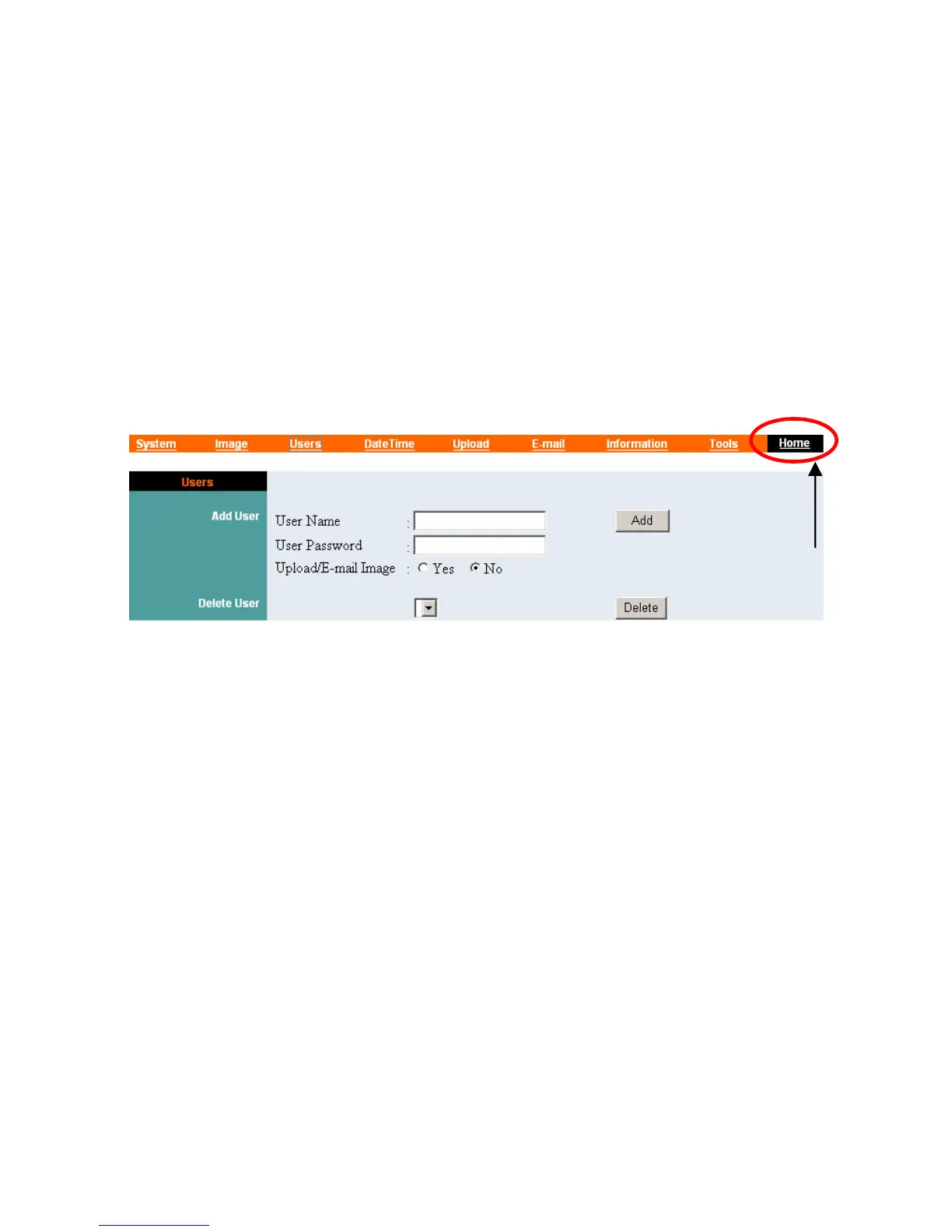
Click “Users” in the system administration menu bar and the
Users screen will appear as illustrated below:
Click “Home” to
return to Welcome
Screen
Add User:
User Name:
Enter the user name in this field.
A maximum of 64 users names are allowed, however each users
name must be different. Each user name can be used as a group
given the password for example, if the User Name is “Guest” and
the User Password is “Guest” anyone can access the IPCam
SECURE300 with these details used as a group of users under the
User Name Guest. The maximum length for the User Name is 12
(Printable ASCII).
User Password:
Enter the user’s password assigned by the administrator. The
maximum password length is 8 (Printable ASCII).
34



 To Next Page