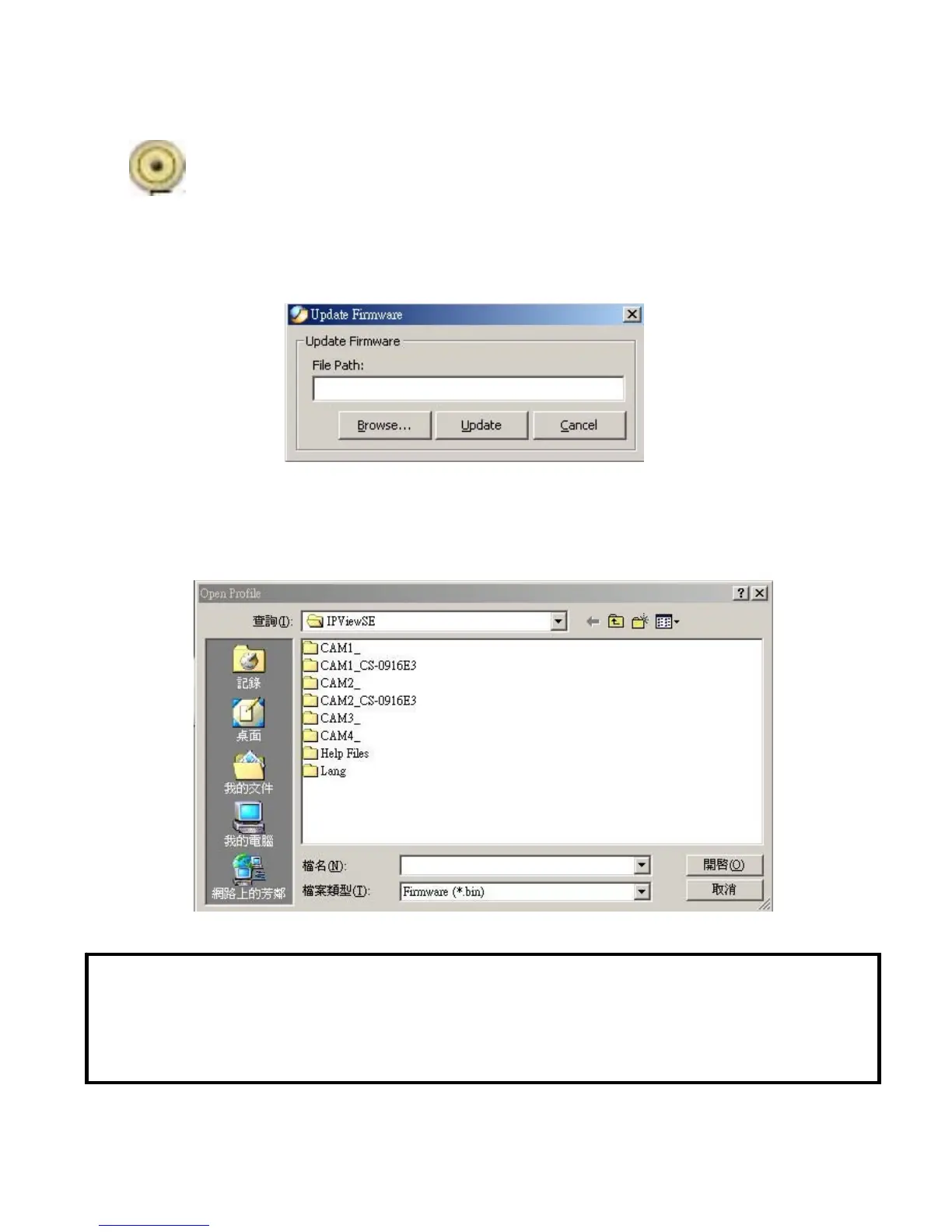
Update Firmware
Enter the File Path and click the “Update” button, the firmware
will be updated automatically.
If you are unsure of the File path, you can click the “Browse”
button, the Browse dialog box will appear as illustrated below.
Warning
During firmware update process, please make sure no interruptions will occur
as it might possibly cause serious damage to the IPCam SECURE300
78



 To Next Page