System Administration - Information
The Information menu contains commands for displaying
information about the IPCam SECURE300.
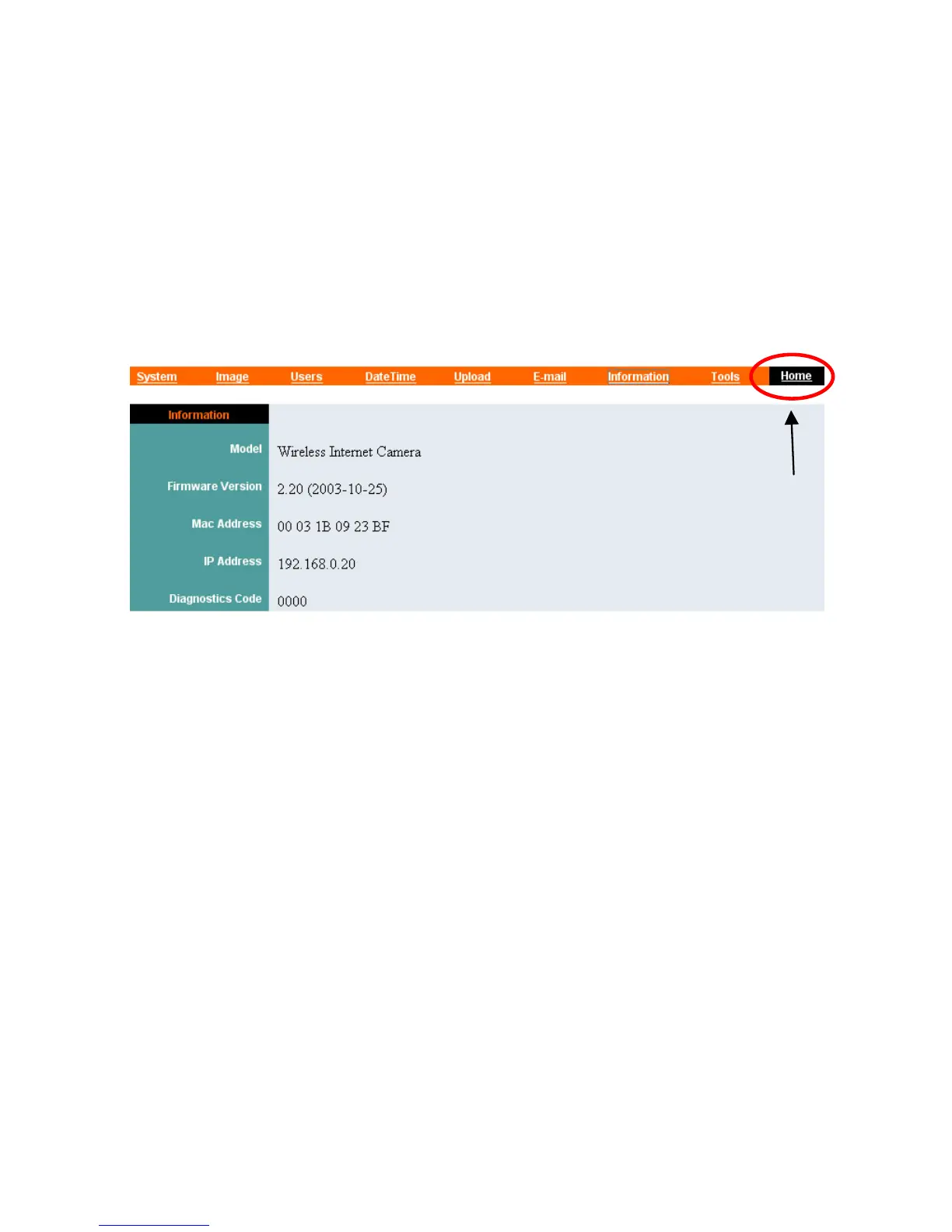
Click “Information” in the system administration menu bar and
the Information screen will appear as illustrated below:
Click “Home” to
return to Welcome
Screen
The Information table provides detailed information of the IPCam
SECURE300, such as the Model Name, Firmware Version, Mac
Address, and IP Address.
43



 To Next Page