System Administration - Image
Image menu in the system administration contains commands to
provide the settings for the images captured by the IPCam
SECURE300.
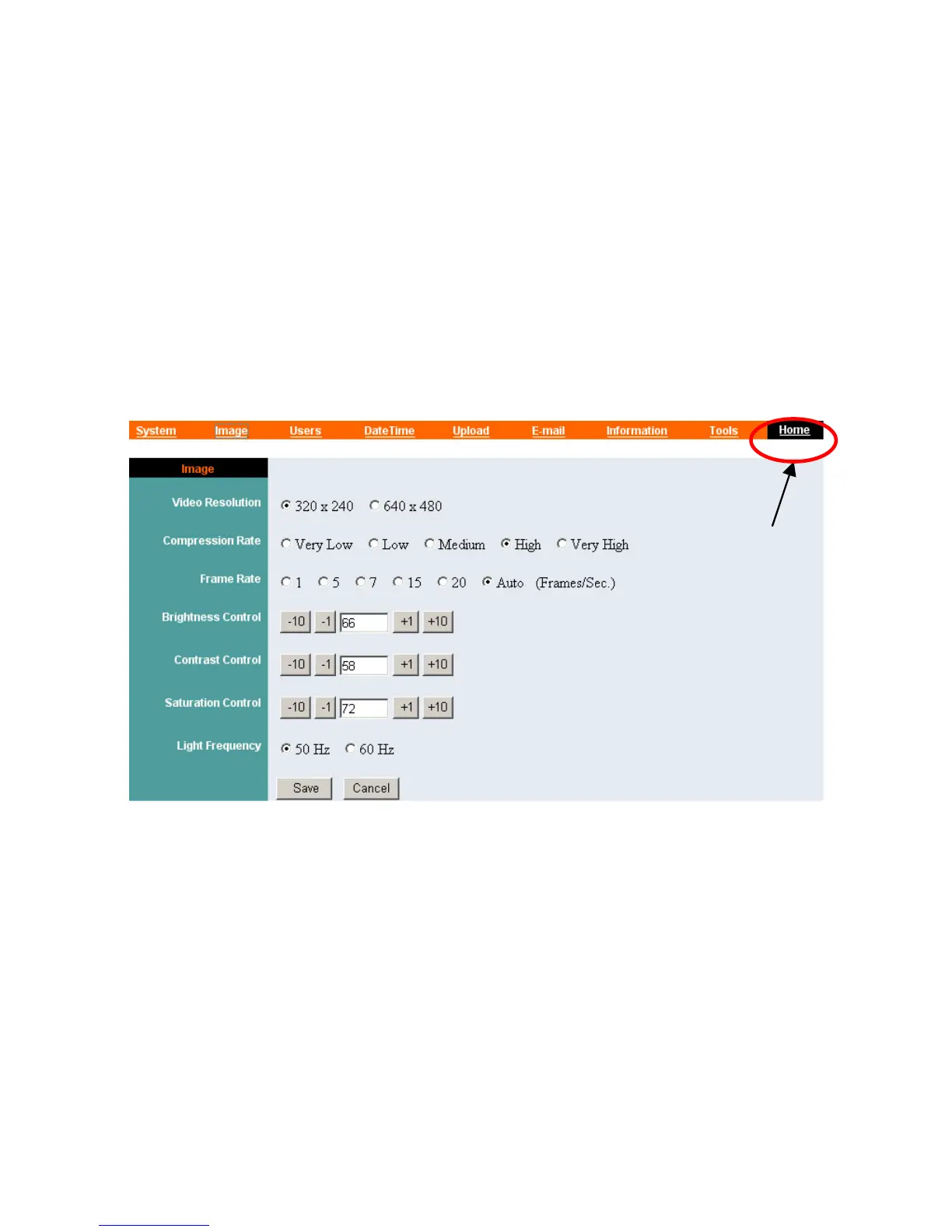
Click “Image” in the system administration menu bar and the
Image screen will appear as illustrated below:
Click “Home” to
Video Resolution:
Select the desired video resolution format ranging from 320x240
(default) to 640x480
Compression Rate:
Select the desired compression rate with five levels from very low
to very high. Higher video compression rate will generate more
compact file size with less video quality and vise-versa. The
default setting is Medium.
32



 To Next Page