How to Connect / Disconnect the
Image
Connect the Image
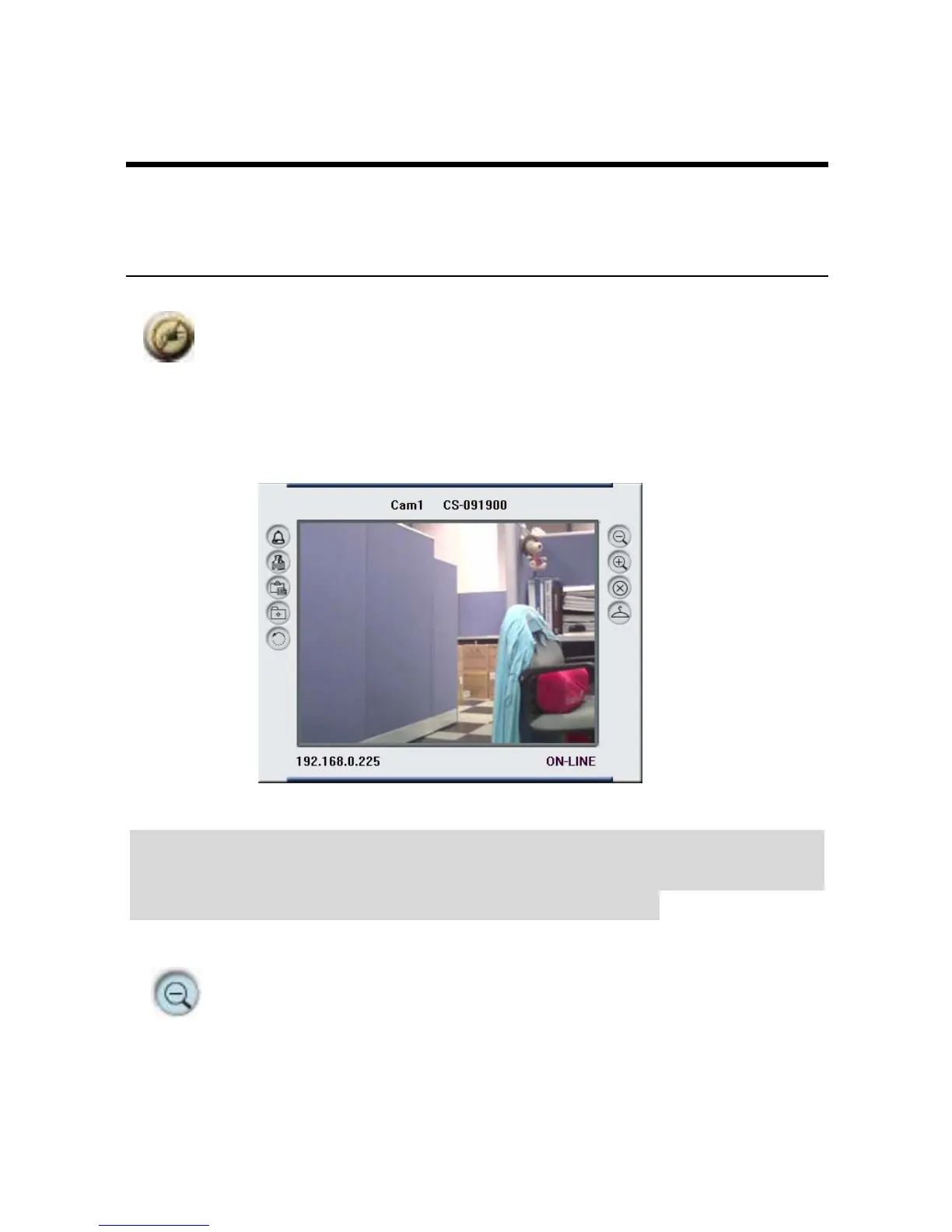
Click the “Connect/Disconnect” button and the preview screen
will appear with the video image.
Note:
When a new camera is added, it IS connected. You can see the
image right away. If you click the “Connect/ Disconnect” button,
it will be in disconnecting, also, no image showed.
Minimize
Click to minimize the display screen of the IPCam
SECURE300.
67



 To Next Page