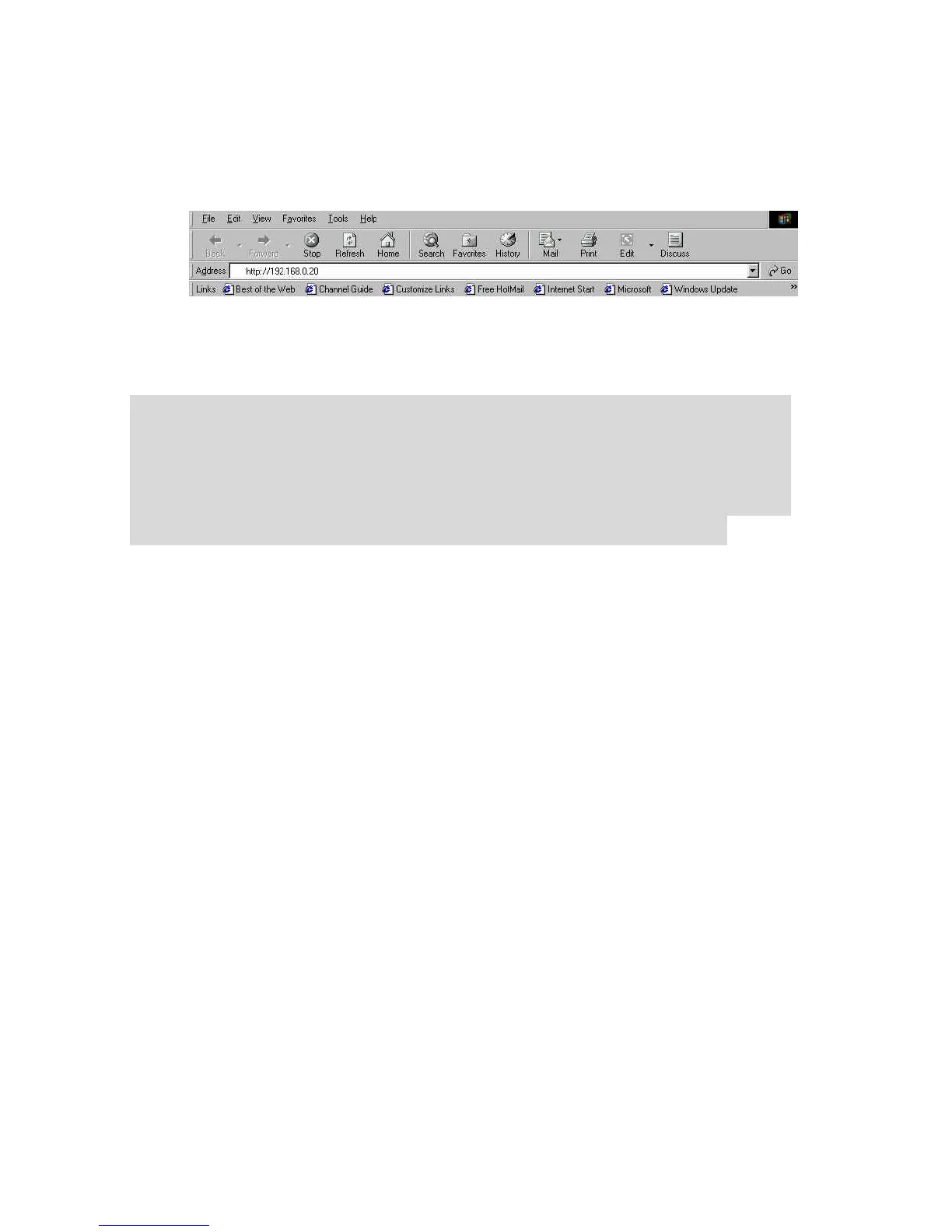
The number is the default IP address of your IPCam SECURE300.
Then, press [Enter]
.
Note:
The PC’s IP address must correspond with the IPCam
SECURE300’s IP address in the same segment for the two
devices to communicate. Therefore, if your PC’s IP address
doesn’t not correspond with the IPCam SECURE300’s IP
address, you MUST modify your PC’s IP address at first.
22



 To Next Page