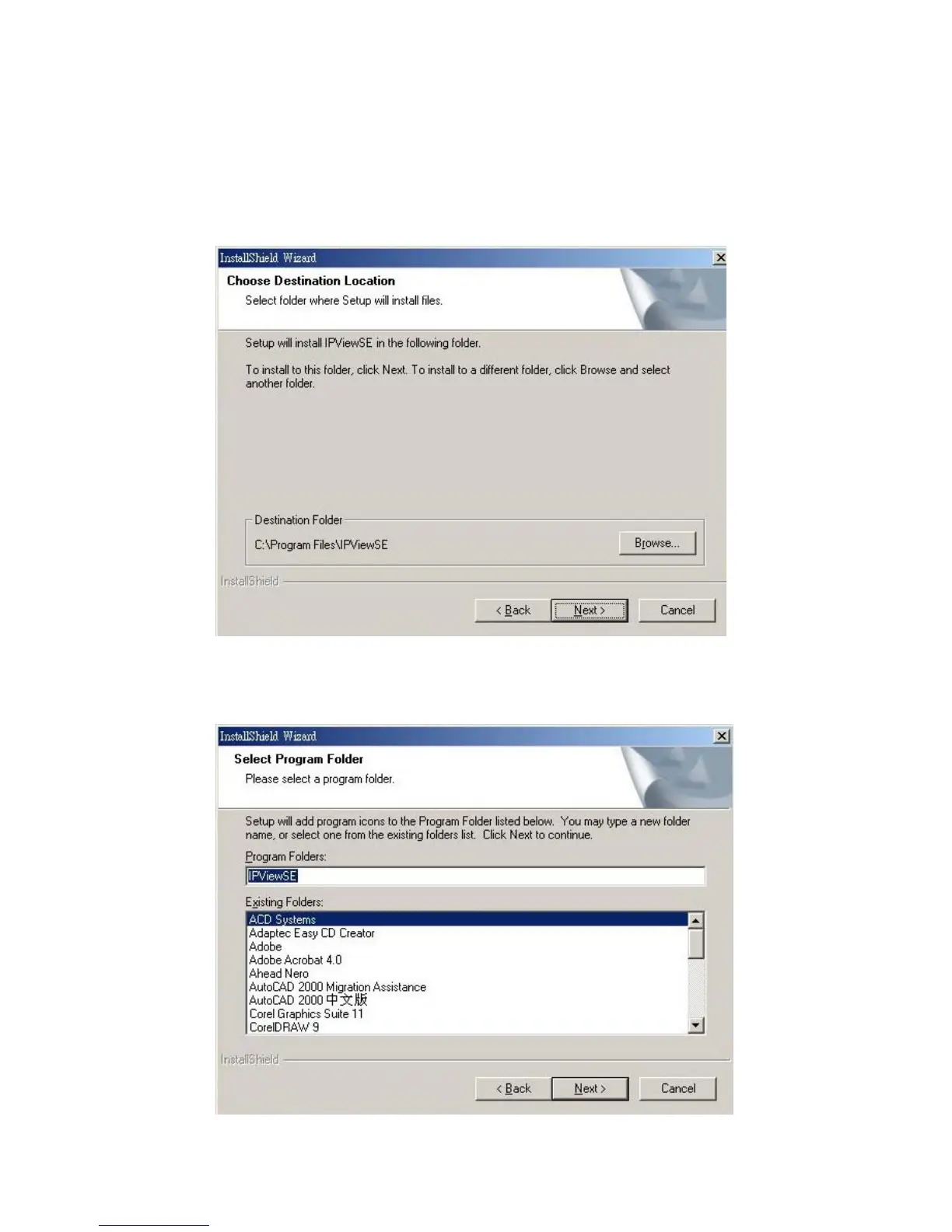
In the following window, you may click “Next” to accept the
recommended destination location or click “Browse” to select
another location. After specifying the desired destination location,
click “Next”.
The following window allows you to select the folder where the
IPView SE application will be located, click “Next” to continue.
55



 To Next Page