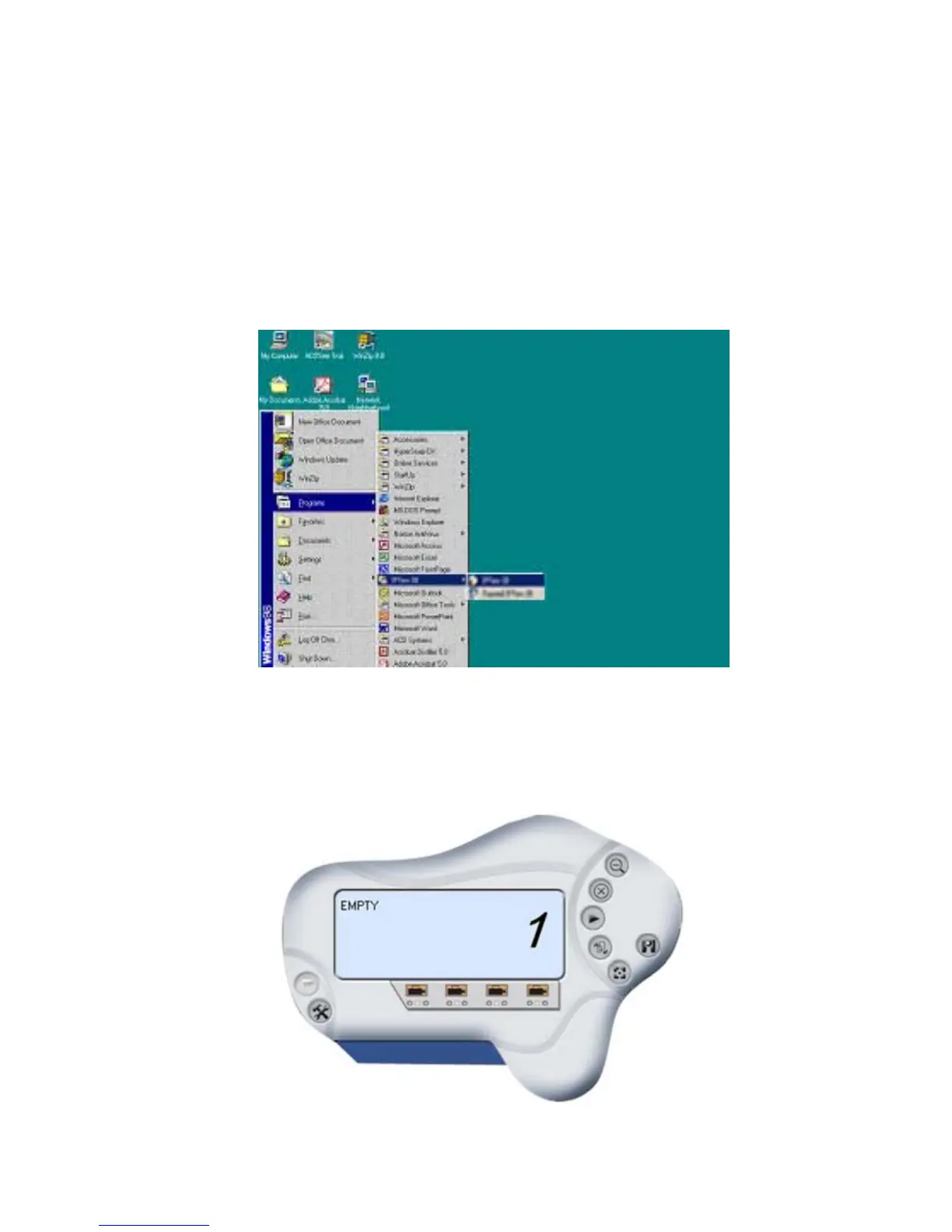
After successfully installing the IPView SE, the application
program for the IPCam SECURE300 is automatically installed to
\Programs\Files directory.
To start running the IPView SE, click Start -> Programs ->
IPView SE -> IPView SE.
Once login, the IPView SE application is executed and the
interface of IPView SE will appear in the default List View
format as bellow:
57



 To Next Page