ENGLISH
29
Problem Solution
The LED does not light
up when you press a
button.
*The LED does not light up
when the button doesn’t have
a function in it. Please input an
IR codes init.
*Check the button that you
pressed has been programmed
the code in it.
The VCR, Hard disk
recorder, or DVD will
not record.
*The record button has a safety
feature to prevent accidental
operation. Press and hold the
record button for two seconds.
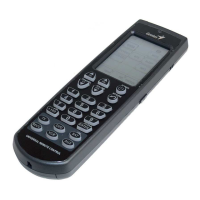
Learning does not work.
*The batteries may be
discharged. Replace the
batteries as described in
Installing batteries on page 4.
*Check the target device’s
remote is correctly aimed at
the Remote 600’s learning eye
and keep distance between
remotes to about 5~10 cm.
*Check you are holding the
target remote’s button until the
LED lights up to confirm this
function is learned.
*Do not teach the Remote 600
near candescent lights.


 To Next Page