TECHNICAL SUPPORT: 1.800.283.5936 (USA) OR 1.801.974.3760
G-WARE SOFTWARE • CONFIGURATION
20
G-Ware Software
Configuration
G-Ware Main Screen
G-Ware is the configuration software for the XAP 800. Virtually every
parameter of the XAP 800’s operation is programmed with G-Ware.
When you complete the software installation described on the previous
pages, launch G-Ware by going to the Start menu, selecting Gentner G-
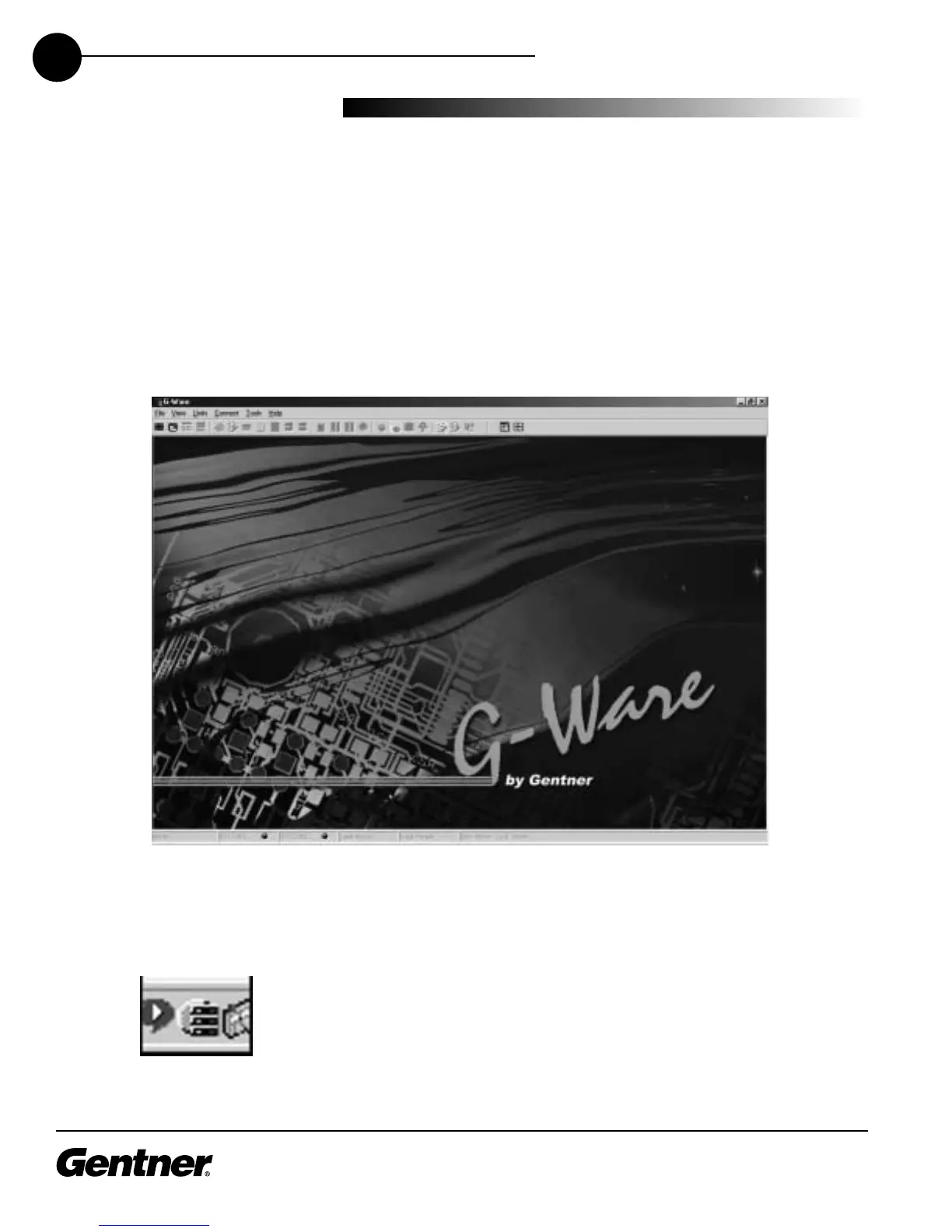
Ware, then G-Ware - Main Program. The G-Ware Main Screen (shown
below) appears.
G-Ware Main Screen
Note the G-Ware Communicator software icon next to the clock at the
bottom right-hand corner of the screen.
G-Ware Communicator Icon



 To Next Page