TECHNICAL SUPPORT: 1.800.283.5936 (USA) OR 1.801.974.3760
2
Installation and Setup
Unpacking
INSTALLATION AND SETUP • UNPACKING
3
AC
Pow e r C ord
Phoenix 3-Pin
Push-On Blocks (x24)
Part No. 673-016-003
18- inch Expansion Bus
Jumper (x1)
XAP 800 Part No. 910-151-101
Phoenix 4-Pin
Push-On Blocks (x2)
Part No. 673-016-104
Part No. 699-150-006
Expansion Bus Terminator (x1)
Part No. 830-150-003
Part No. 830-150-004
XAP 800 Manual
Part No. 800-151-101
Perfect Communication through Technology, Service, and Education.
TM
Installation and Operation Manual
Audioconferencing System
NEW
NEW
Audio/Video Products
CD
Part No. 800-000-001
EscEnter
Meter
+12
+8
+4
0
-4
-10
-30
1
2
3
4
5
6
7
8
Mic On
0AP 8 0
Esc
En
ter
Met
er
+12
+8
+8
+4
+4
00
-4
-4
-10
-10
-30
-30
1
2
3
4
5
6
7
8
Mic On
0AP 8 0
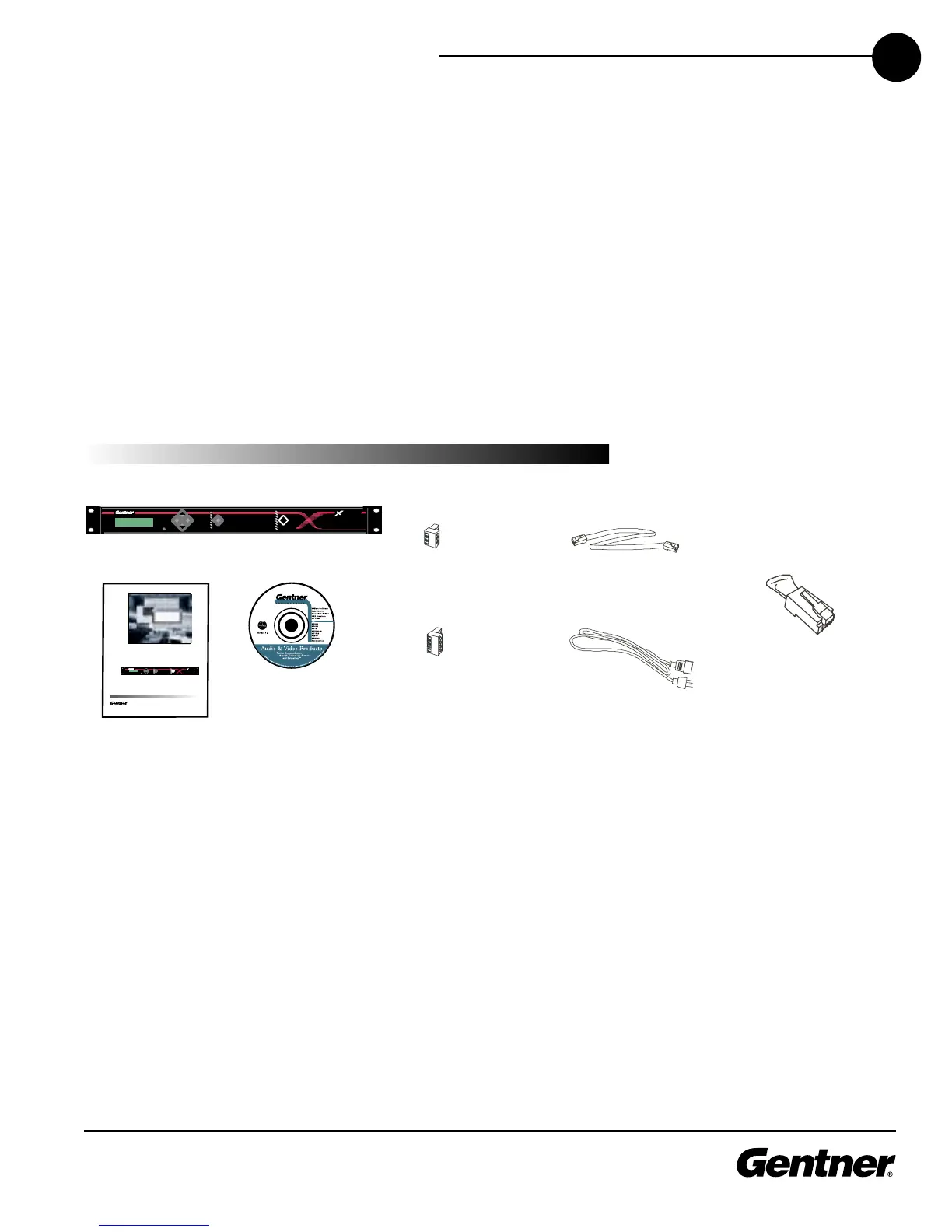
Check to ensure that the equipment shown above was received with
your shipment. Inspect the shipment for damage. Gentner
Communications is not responsible for product damage incurred
during shipment. You must make claims directly with the carrier.
For instructions on how to install the unit and make connections, refer
to Installation on page 7.
Equipment included with XAP 800 unit



 To Next Page