TECHNICAL SUPPORT: 1.800.283.5936 (USA) OR 1.801.974.3760
G-WARE SOFTWARE • VIEW MENU
27
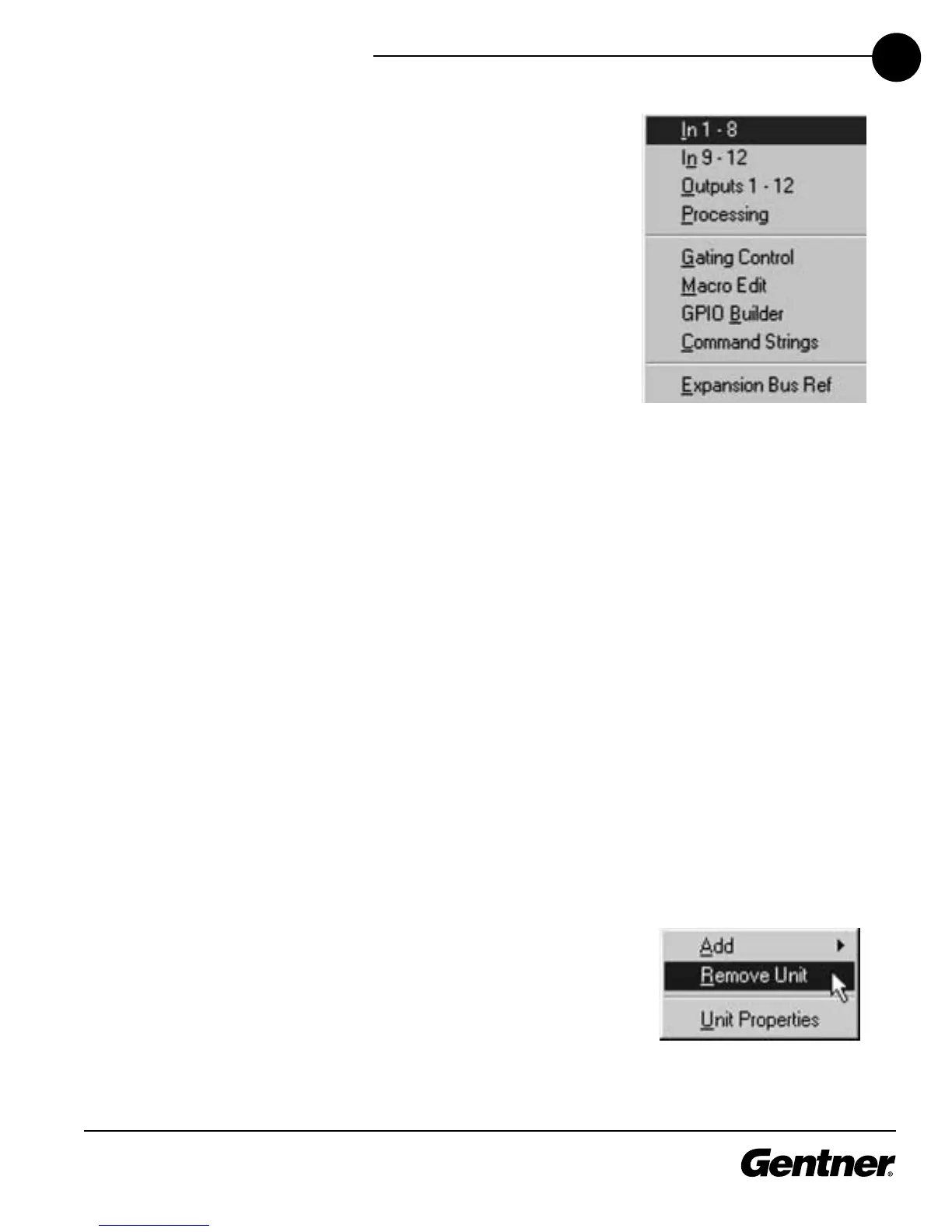
In 9-12 displays the Inputs 9-12 window. This window can also be opened
with the In 9-12 button on the matrix. See page 46 for more information
about these inputs.
Outputs 1-12 displays the Outputs 1-12 window. This window can also be
opened with the Outputs 1-12 button on the matrix. See page 54 for more
information about the outputs.
Processing opens the Processing window. This window can also be
opened with the From Processing button on the matrix. See page 48 for
more information about From Processing.
Gating Control opens the Gating Controls window. It can be opened with
the Gating Controls toolbar button. See page 59 for more information.
Macro Edit opens the Macro Editor window. This window can also be
opened with the Macro Editor button on the toolbar. See page 65 for more
information about the Macro Editor.
GPIO Builder opens the GPIO Builder window. This window can also be
opened with the GPIO Builder toolbar button. See page 61 for more
information about the GPIO Builder.
Panel Builder opens the Control Panel Builder window. This window can
be opened with the Control Panel Builder toolbar button. See page 62 for
more information about the Control Panel Builder.
Command Strings opens the Command Strings window, where you enter
command strings through the RS-232 port to execute functions such as
increasing volume.
Expansion Bus Ref opens the Define PA Adapt/AEC Expansion Bus Ref
window. This window can also be opened from within the PA Adaptive and
AEC Reference section of the software. See pages 43-44 for more
information.
Units Menu
Add opens the Unit Properties—New Unit window so you can add a XAP
800 unit to a site. This window can also be opened with the Add XAP 800
Unit to Current Site toolbar button. See page 23 for more information about
adding a XAP 800 unit to a site.
Remove Unit removes a XAP 800 unit from a site.
Unit Properties opens the Unit Properties—Unit 1 (or the name you have
given to the unit) window. This window is used for adjusting parameters for
a unit that has already been configured. Note that the parameters in this
View Menu
Units Menu



 To Next Page