TECHNICAL SUPPORT: 1.800.283.5936 (USA) OR 1.801.974.3760
ADVANCED OPERATION • DOCUMENT COMPARE UTILITY
71
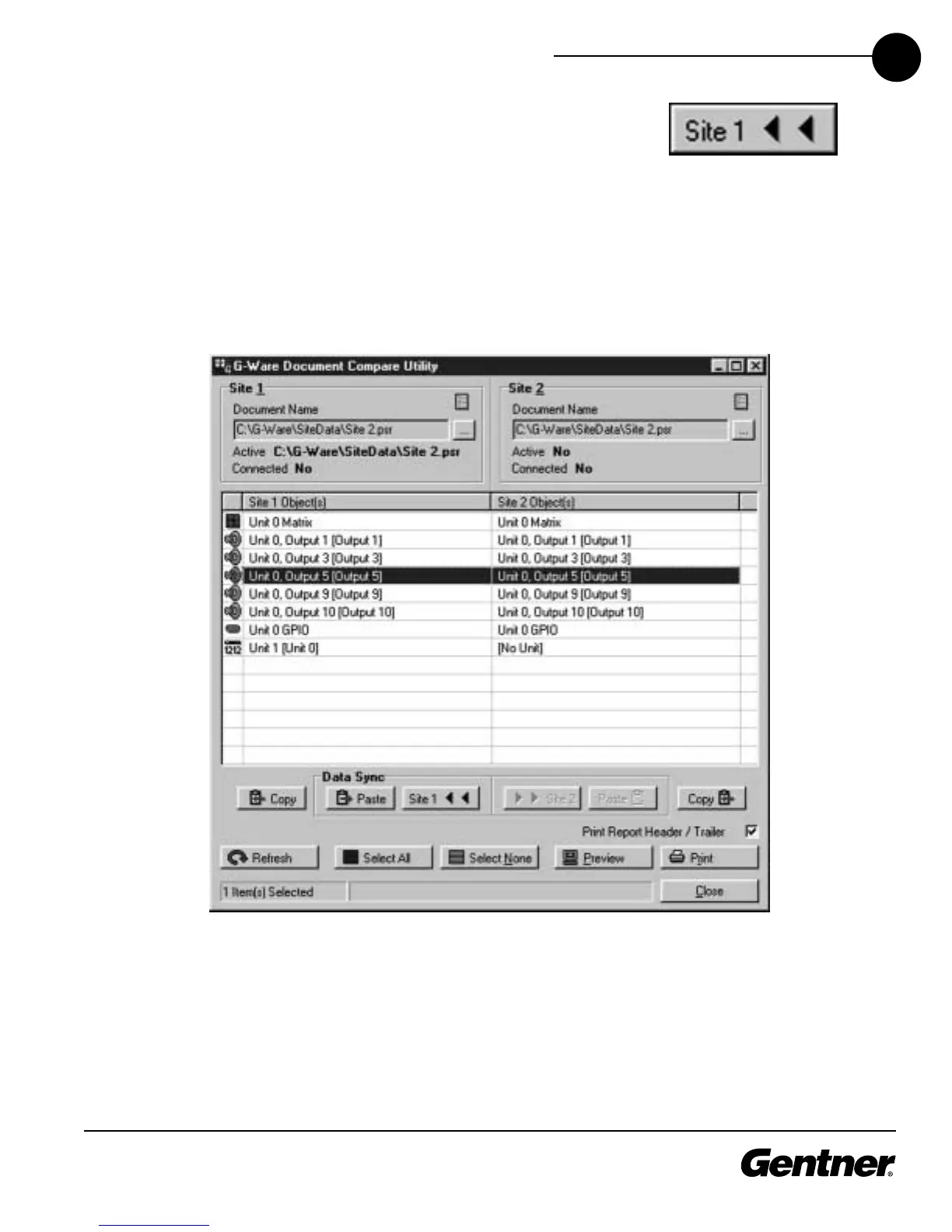
Note that in Document Compare Utility Window 2 (below), the Copy to
Site, Paste, and Copy buttons underneath the table are selectable.
These buttons become selectable only when two sites or units—actually
connected or existing in G-Ware—are being compared. In the example
shown below, clicking Site 1 transfers settings from a line selected in
the Site 1 panel to the corresponding line in the Site 1 panel. The Copy
button copies the settings of the Site/Line above it, allowing you to
paste (with the Paste button) settings to another site, unit, or even to a
particular G-Ware parameter, such as an input.
Copy to Site 1 Button
Document Compare Window 2



 To Next Page