3.9 Installation of licenses
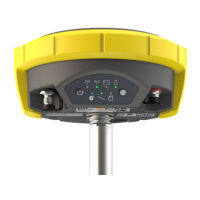
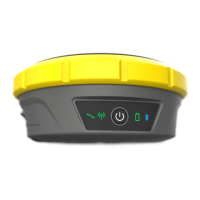
Optional GNSS smart antenna licences can be activated with a key file.
In the License-Key File tab of the Updates menu, browse for the key file on the PC (for example
L_xxx.key where xxx is the receiver serial number), select it and click ‘Upload’. A confirmation
message is shown once the option has been activated.
3.10 Data management
To download data files from the internal memory of the instrument or the inserted microSD card,
go to the Data Management tab and select the file that you want to download. Both .DAT and
Rinex files can be downloaded directly. The raw data is then transferred from the instrument to the
PC where it can be processed using the GeoMax X-PAD Fusion office software.


 To Next Page
 Loading...