Any mistakes can be corrected using the soft-key ‘Delete’ which will delete the last digit typed.
Alternatively, the sequence can be retyped before the ‘Enter’ key is pressed and the existing numbers
will be pushed off the screen.
Alpha-numeric Data
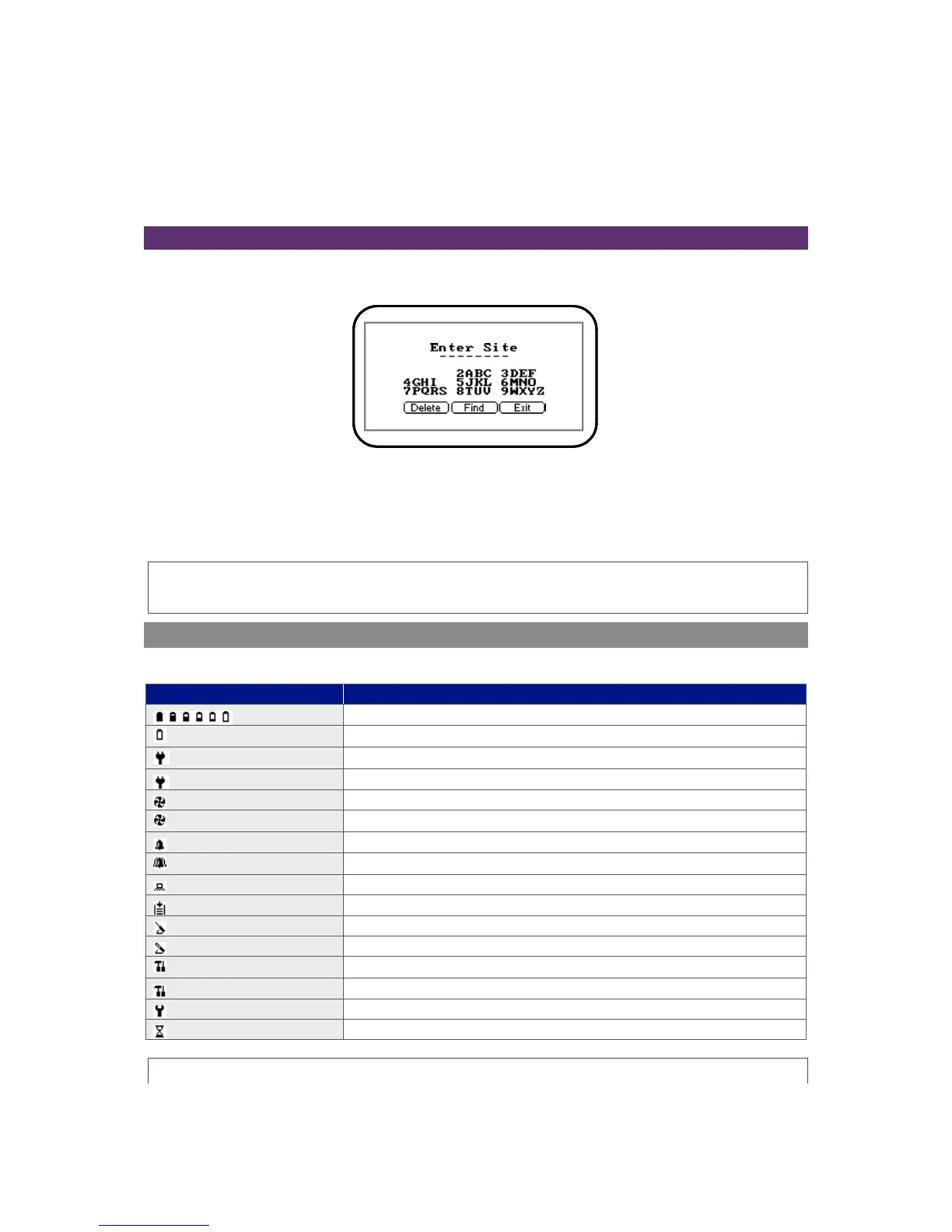
When entering site IDs, alpha-numeric codes may be specified. To enter characters select either ‘1-
Site’ or ‘2-ID’ followed by the ‘Menu’ key and the following screen is displayed:
Screen 1 – Enter site
The operator can choose upper and lowercase characters. Press the ‘Menu’ key again to choose
lowercase characters. Use the numeric keypad on the instrument to select the appropriate letter, i.e.
to select A ‘Key 2’, to select B ‘Key 2’ twice (just like on a mobile phone).
Note: The instrument will not allow invalid data to be entered; this should be deleted and re-
entered.
Instrument Status Icons
The following icons may be displayed on the instrument read screens:



 To Next Page