Instrument: Input: 5Vdc ± 0.5V (max 1000mA)
Power Supply: Input: 100 -240Vac 60/50Hz 120mA
Output: 5Vdc 1000mA (5VA)
Note: A full charge will take approximately 4 hours. Typically, a fully charged battery will last 10-
12 hours.
When the instrument is already powered on, the operation is slightly different as the battery icon
changes to a flashing plug symbol. This will stop flashing when the charge is complete.
Instrument Main Read Screen
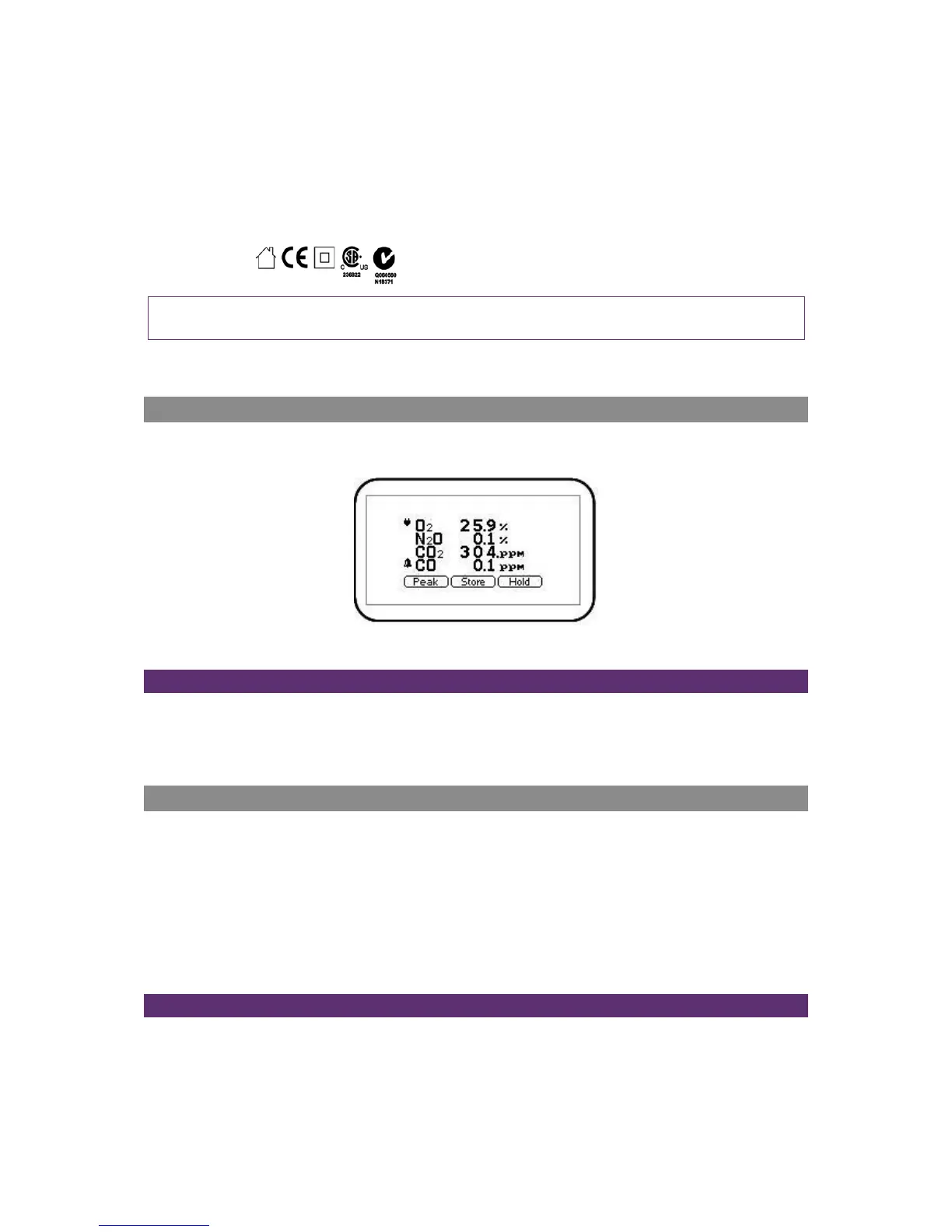
After the analyser has been switched on and the warm-up self-tests completed the analyser will
display the following screen.
Screen 2 - Main readings
Soft-Keys
Peak - Enables the operator to display the peak reading.
Store - Enables the operator to store the reading for viewing/download later.
Hold - Enables the operator to hold the current reading being taken.
Alternative Reading Methods
The G210 has three reading types or methods which each require slightly different operating
procedures:
Peak reading
Store reading
Hold reading
Logged reading
Peak Reading
The operator can toggle the reading mode between normal (current) and peak readings. Whilst in
peak reading mode the instrument will only display peak values for each of the channels. These
values can then be stored by pressing the ‘Store’ key or automatically at the appropriate logging



 To Next Page