Page 46 of 61
Operating Manual
OMG200N Iss.04
© QED Environmental Systems Ltd.
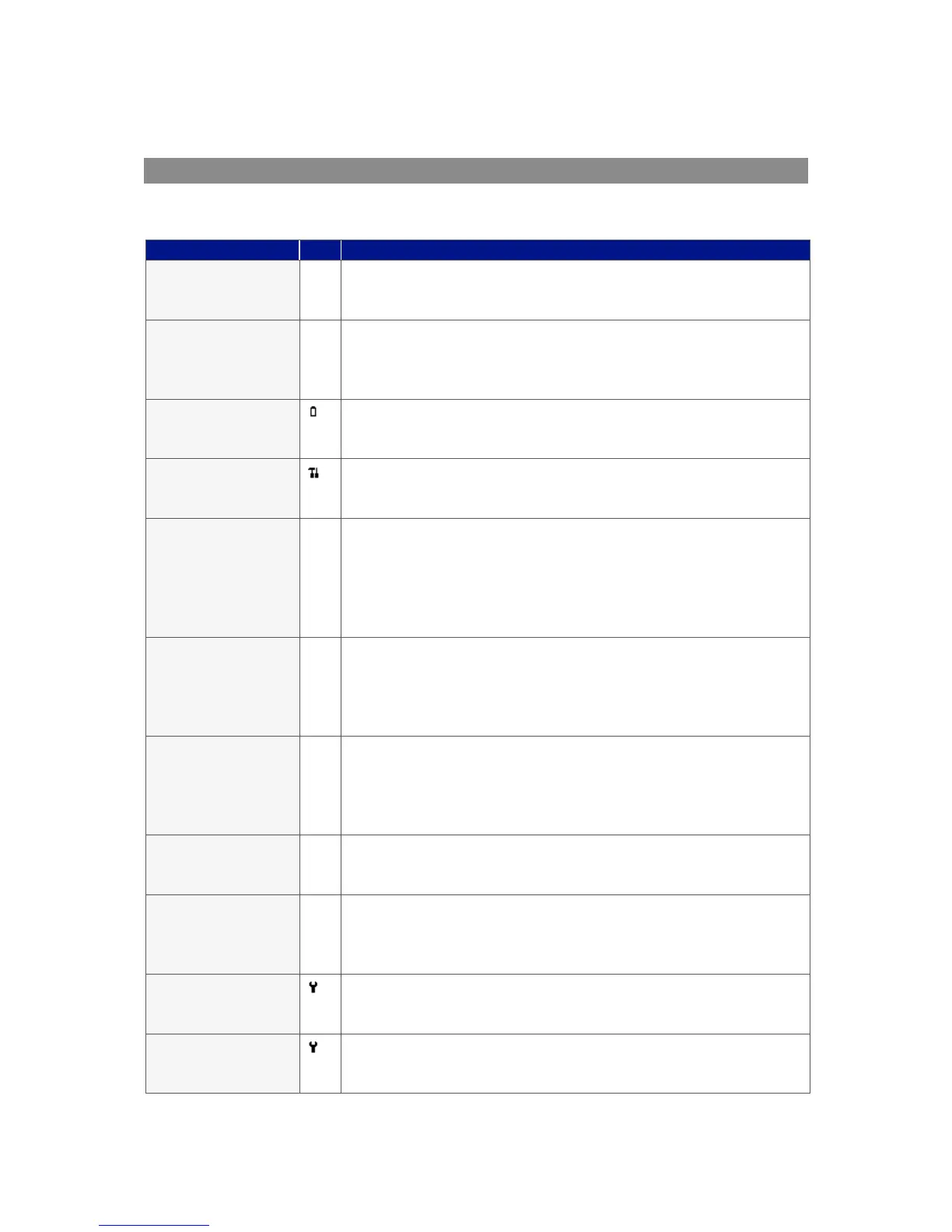
Self-test Warning Messages
The following warnings may be displayed during the self-test period when the instrument is switched
ON.
The instrument only has space to store less than 50 readings before it
is full. The exact number can be checked using the ‘View Readings’
option.
There is no more space in memory to store readings. Both the store
and log options will be disabled until the memory is cleared. The
readings should be downloaded to PC using the optional download
software before memory is cleared.
The instrument does not have enough power to operate for a full day.
The instrument should be recharged or connected to an external
power supply.
It has been 12 months (or more) since the instrument was returned
to the manufacturer for a service. The performance and accuracy of
the instrument may be impaired.
The instrument’s gas inlet (or outlet) may be blocked. This warning is
most commonly caused by a water-logged or dirty sample filter.
Change the sample filter and check for obvious blockages in the
sample tubes. Alternatively, a small amount of adjustment can be
made to the low flow detection point to compensate for minor
changes in the performance of the pump fitted to the instrument.
This warning is most commonly caused by an incorrect user
calibration. Try recalibrating the sensor or press ‘Return to factory
settings’. If the warning persists it may be caused by dirt or damage
to the infrared sensor. The instrument will need to be returned to the
manufacturer for service/repair.
This warning is most commonly caused by an incorrect user
calibration. Try recalibrating the sensor or press ‘Return to factory
settings’. If the warning persists it may be caused by a damaged or
faulty sensor. The instrument will need to be returned to the
manufacturer for service/repair.
This may be caused by dirt or damage to the infrared sensor in the
instrument. The instrument will need to be returned to the
manufacturer for service/repair.
The instrument has detected a problem with the configuration
parameters most likely caused after a firmware update. The
instrument will need to be returned to the manufacturer for
service/repair.
The oxygen cell has not been changed for at least 3 years; its
performance and accuracy may be impaired. The instrument will
need to be returned to the manufacturer for service.
The carbon monoxide cell has not been changed for at least 2 years;
its performance and accuracy may be impaired. The instrument will
need to be returned to the manufacturer for service.



 To Next Page