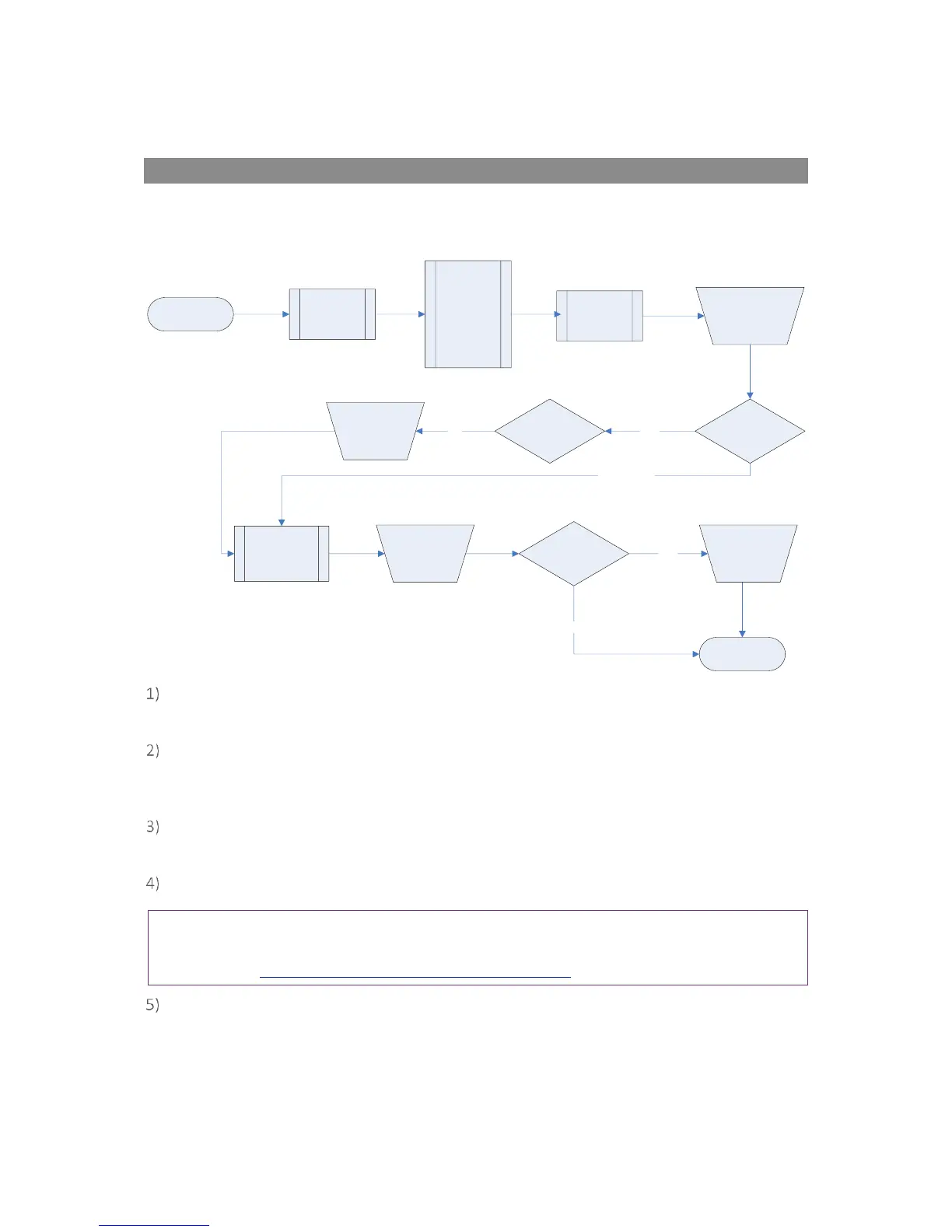
G200 Gas Measurement Process – Best Practice
Depending on preferences the exact reading procedure can change. The following methods are
considered best practice and when followed correctly will allow quick and consistent readings to be
recorded.
When the instrument is first switched on it should be purged with fresh air and allowed to
stabilise for a few minutes.
Make sure that you have carried out all the preliminary checks as listed in section ‘6.1
Preliminary Checks – Best Practice’ and that the instrument is ready to take the first reading.
Always use a sample filter and a soda lime filter with a G200 instrument.
Connect the sample tube, if relevant, from the sample point to the inlet port of the instrument,
ensuring the filter is seated correctly.
From the ‘Main’ menu select the mode in which you wish to operate the instrument.
Note: Although the G200 analyser is intended for use in a specific mode, i.e. Person, Area or Leak,
the analyser may be used to take readings without a mode specified. For more information please
refer to section G210 Gas Measurement Process – Best Practice.
If ‘Person’ or ‘Area’ mode is specified the operator will be prompted to enter a ‘Site’ and ‘ID’ to
identify the reading. If the operator chooses to monitor readings in ‘Leak’ mode then no ID is
required.



 To Next Page