default. These are entered as two sets of eight alpha-numeric identifiers by the operator (i.e. typed
in). For example, the first part called ‘Site’ can be used to store the name of the building i.e. ‘Warwick’
and the second part called ‘ID’ could be used for location or room where the reading was taken, i.e.
‘A&E1’.
It is possible using Analyser Data Manager to change the name of these fields as displayed on the
instrument from ‘Site’ and ‘ID’ to something else up to seven characters, i.e. ‘ward’ and ‘bed’,
depending on the application or typical mode of operation.
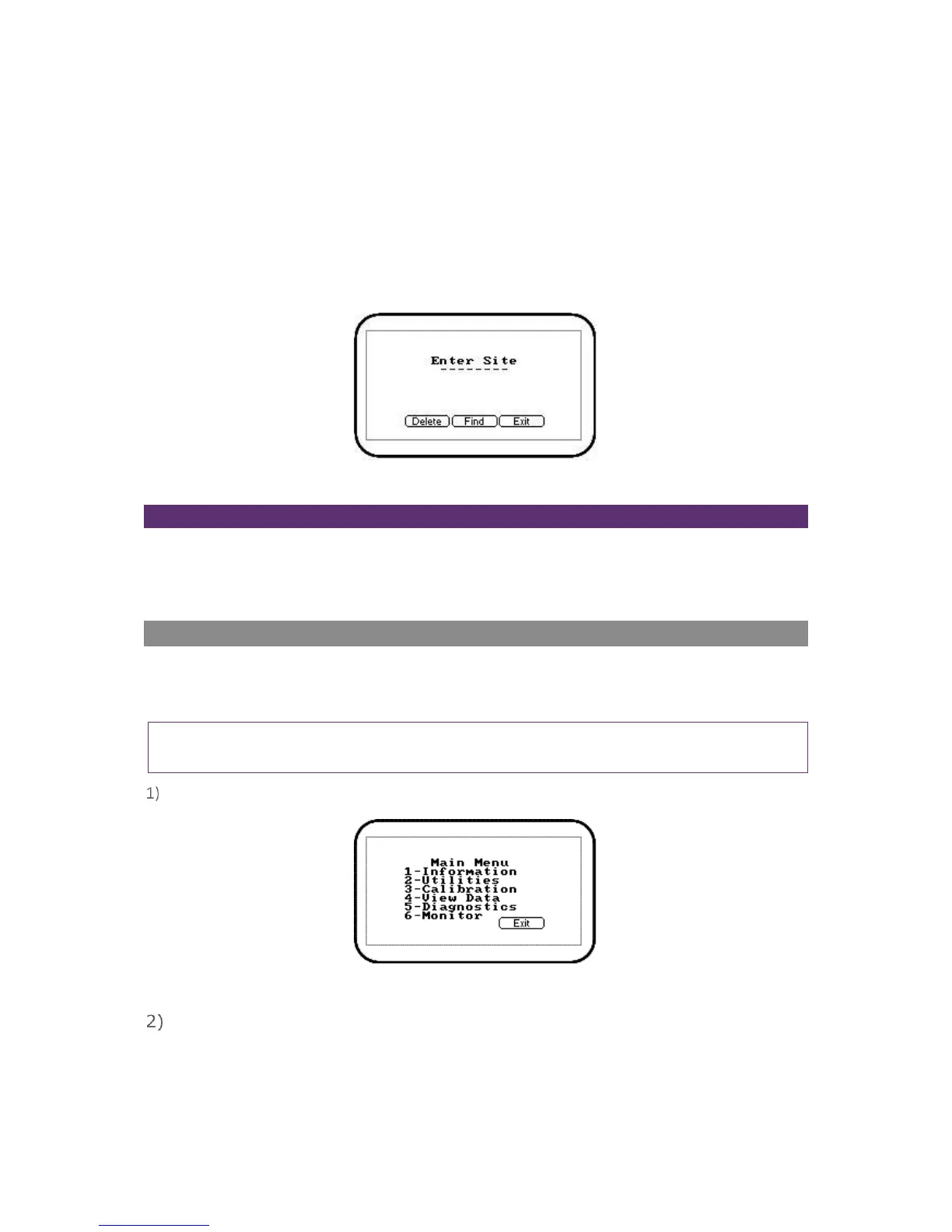
Screen 4 - Enter site ID
Soft-Keys
Delete – Enables the operator to backspace delete digits keyed in the ‘Enter Site’ field.
Find – Enables the operator to search and find pre-stored IDs.
Exit – Enables the operator to exit the ‘Enter Site ID’ screen and return to the ‘Main Read Screen’.
Main Menu
The ‘Main Menu’ enables the operator to select options to set up specific parameters and perform
operational tasks prior to sample readings being taken or to view data and information stored in the
instrument.
Note: Unless otherwise stated the functions and menus are the same for both the G200 and G210
instrument.
Press the ‘Menu’ key on the front of the instrument panel and the following screen is displayed:
Screen 5 - Main menu
Press the soft-key ‘Exit’ to exit the ‘Main’ menu.



 To Next Page