Notes:
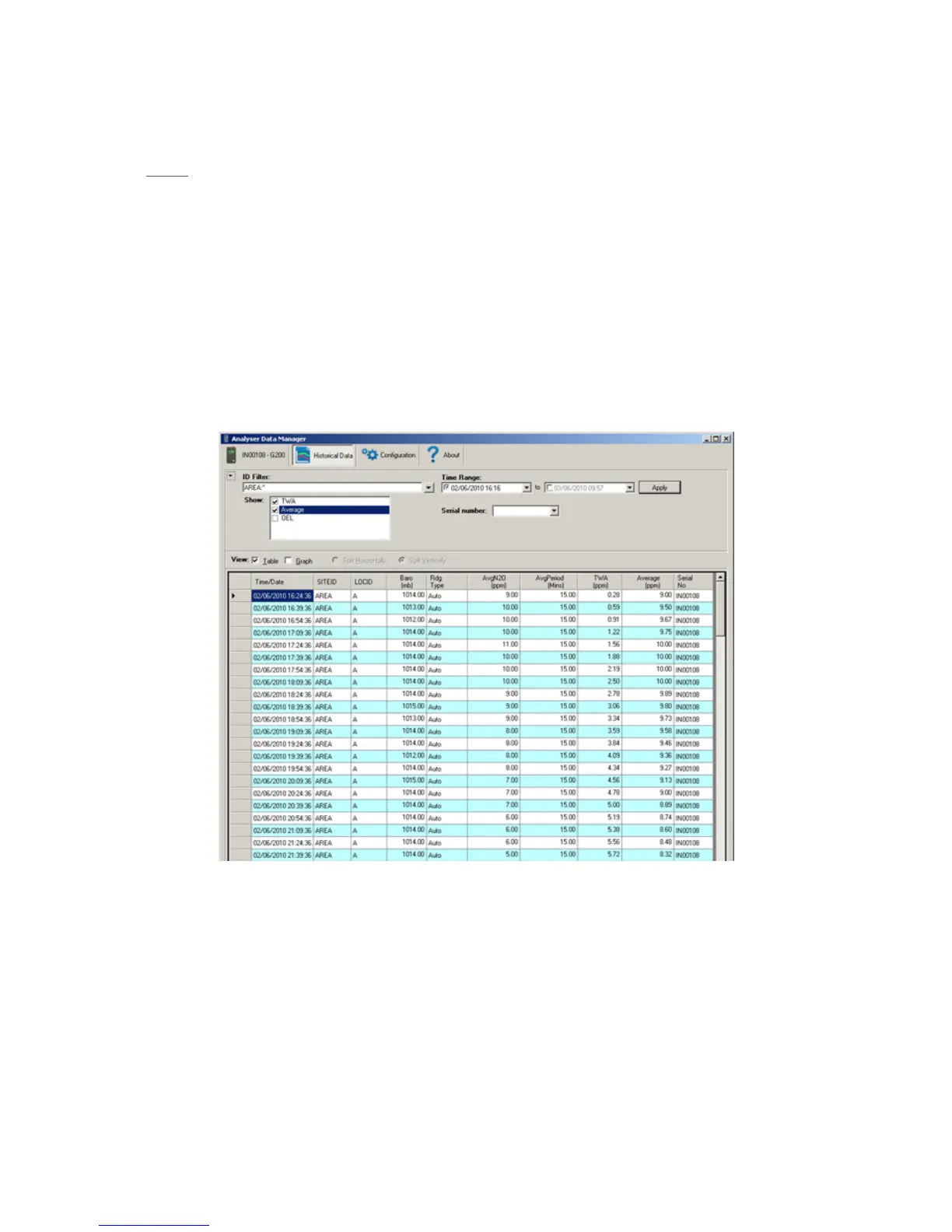
The TWA, Average and OEL checkbox options in ADM are columns of data that are calculated
when the data is displayed, based on the data previously downloaded and stored from the
instrument. The values do not come from the instrument.
Adding the TWA column causes ADM to show an additional 24 hours of “zero” readings so the
user can see the TWA value decay back to 0.
Adding any of these calculated columns makes more sense when choosing data from a single
identifier (Person or Area) using the ID Filter.
Adding any of these calculated columns is optional depending on the application but is
provided for user flexibility.
Figure 3 - Example of Data recorded on the Analyser in Area mode, and then ADM calculating the TWA and
Average Columns



 To Next Page