22
2.5 Overlaying Card Numbers on GV-DVR/NVR Live View
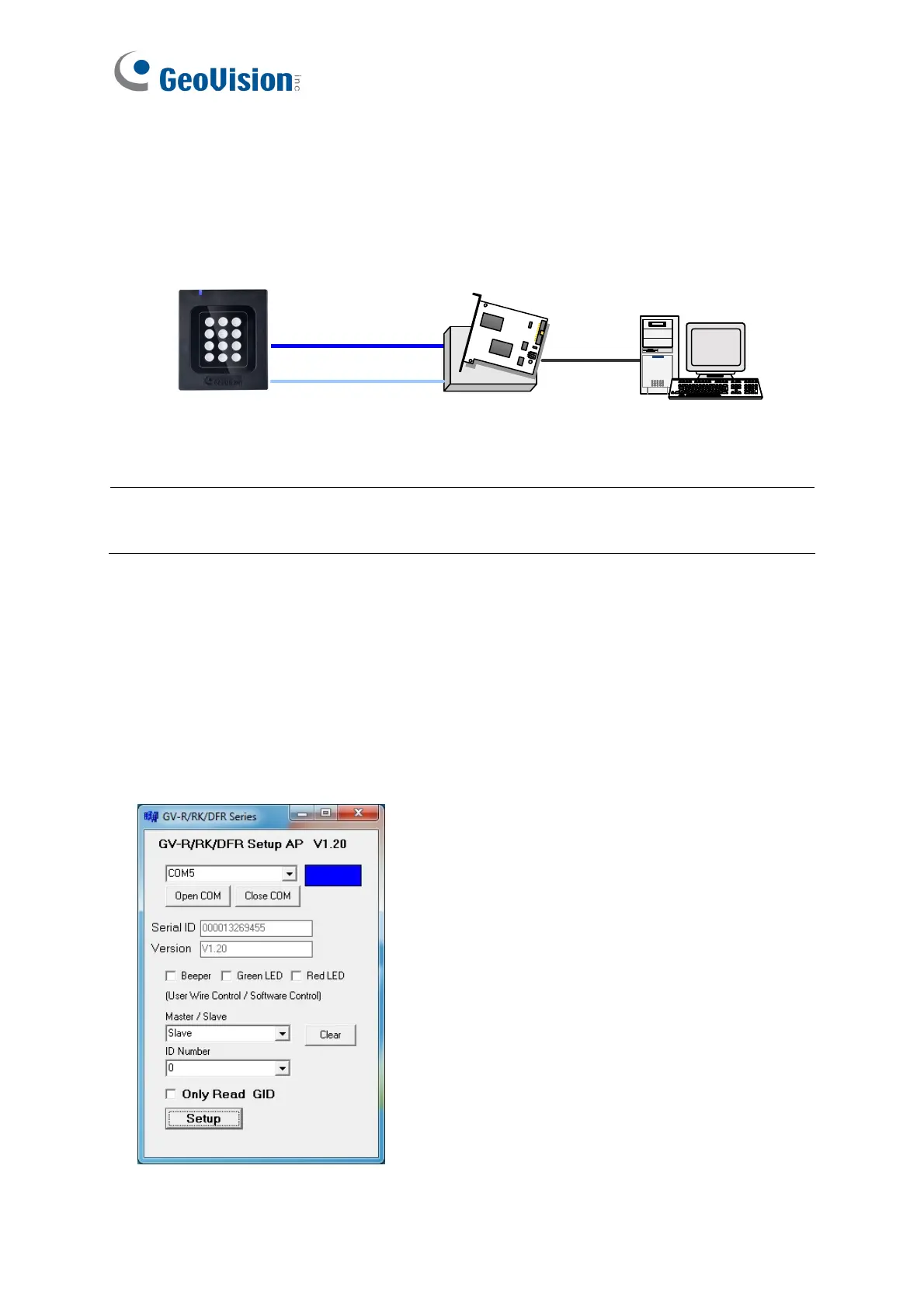
You can overlay card numbers recognized at the reader onto a camera channel on GV-
DVR/NVR. To overlay card numbers on GV-DVR/NVR channel, the reader needs to be
connected to a GV-DVR/NVR through GV-COM, GV-Hub or GV-NET/IO Card V3.1.
RS-485
GV-HUB / GV-COM /
GV-NET/IO Card
RS-232
GV-System
(Light Blue) RS-485 -
(Blue) RS-485 +
USB
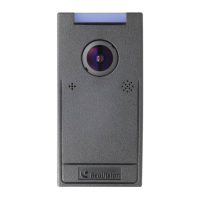
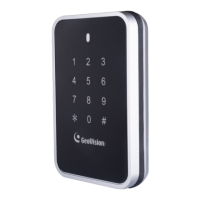
GV-RK1352
or GV-R1352
Note: GV-RK1352 / R1352 / DFR1352 is not compatible with GV-NET Card and GV-
NET/IO Card of versions earlier than V3.
2.5.1 Defining the ID Number and Setting the Reader to Slave
After the reader is connected to the computer of the GV-DVR/NVR, use the GV-R/RK/DFR
Config AP to define the ID number of the reader and set the reader to Slave.
1. Run GV-R/RK/DFR Config AP. See 2.4. Installing GV-R/RK/DFR Config AP above for
how to install.


 To Next Page