Page 23
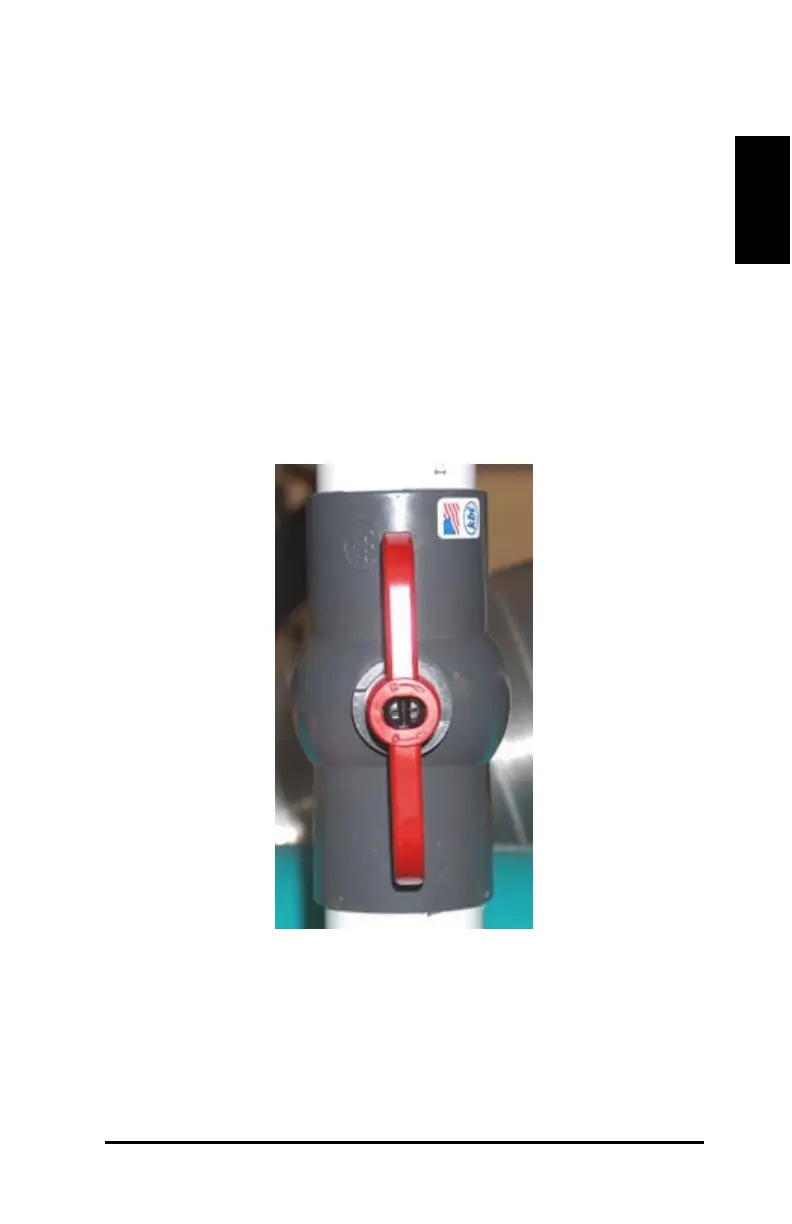
(10) Vacuum Valves (DCS 2500 only)
Three vacuum valves are on the keypad side. These valves control
individual, corresponding sections of vacuum on the table. The locations
and quantity vary based upon table length.
Be sure that the correct valves are opened and/or closed before cutting.
The vacuum valves have the following labels with corresponding arrows:
O – open C – closed
Turn the vacuum valves counter clockwise in the vertical O position to
open (see Figure 10).
Figure 12: Vacuum valve ON position
Turn the vacuum valves clockwise in the horizontal C position to close
(see Figure 11).



 To Next Page