EasyManua.ls Logo

Gerber GS15 Plus - User Manual

Gerber GS15 Plus
95 pages
Print Icon
To Next Page IconTo Next Page
Loading...
GS15
plus
USER'S MANUAL

Table of Contents

Questions and Answers

Summary

Introduction

Description

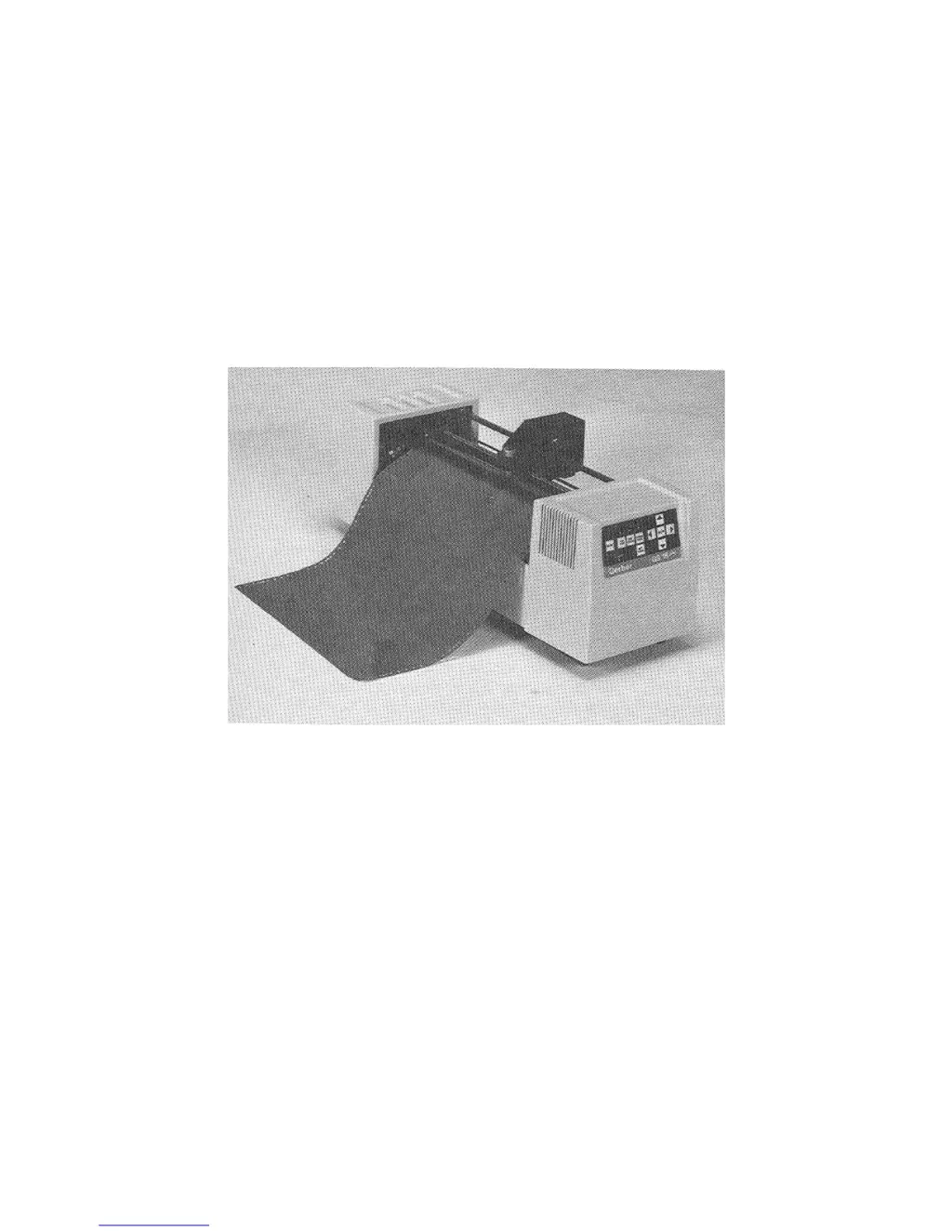
Explains what the GS15 plus plotter is and its key features.

Performance

Details the plotter's precision, cutting accuracy, and capabilities.

Installation

Plotter Work Area

Guidance on setting up the physical space and location for the plotter.

Connect to the Plotter

Instructions for physically connecting the plotter via RS-232 cable.

Power Cords

Details on connecting the plotter to the power supply.

Power-Up Sequence

Describes the plotter's startup sequence and operational indicators.

Setup

Plotter Selection

Steps to configure and add the plotter to the GRAPHIX ADVANTAGE system.

Materials and Tools

Tool Force Dial

Explanation of the dial for adjusting cutting and drawing pressure.

Settings

Initial suggestions for tool force settings based on application.

Tools and Tool Handling

Pen Holder and Pens

Installation and usage guidelines for pen holders and pens.

Operation

Front Panel

Overview of the plotter's control panel keys and their functions.

Special Diagnostics

Error Conditions

Error Codes

Lists error codes, their descriptions, and suggested operator responses.

Service and Maintenance

Plotter Adjustments

Troubleshooting Guide

A chart to identify problems and their probable adjustment procedures.

Z Axis (Tool Height) Adjustment

Procedure to adjust tool height for consistent material contact.

Theta Axis (Tool Rotation) Adjustment

Procedure to center the lift fork and align the tool holder.

Summary

Introduction

Description

Explains what the GS15 plus plotter is and its key features.

Performance

Details the plotter's precision, cutting accuracy, and capabilities.

Installation

Plotter Work Area

Guidance on setting up the physical space and location for the plotter.

Connect to the Plotter

Instructions for physically connecting the plotter via RS-232 cable.

Power Cords

Details on connecting the plotter to the power supply.

Power-Up Sequence

Describes the plotter's startup sequence and operational indicators.

Setup

Plotter Selection

Steps to configure and add the plotter to the GRAPHIX ADVANTAGE system.

Materials and Tools

Tool Force Dial

Explanation of the dial for adjusting cutting and drawing pressure.

Settings

Initial suggestions for tool force settings based on application.

Tools and Tool Handling

Pen Holder and Pens

Installation and usage guidelines for pen holders and pens.

Operation

Front Panel

Overview of the plotter's control panel keys and their functions.

Special Diagnostics

Error Conditions

Error Codes

Lists error codes, their descriptions, and suggested operator responses.

Service and Maintenance

Plotter Adjustments

Troubleshooting Guide

A chart to identify problems and their probable adjustment procedures.

Z Axis (Tool Height) Adjustment

Procedure to adjust tool height for consistent material contact.

Theta Axis (Tool Rotation) Adjustment

Procedure to center the lift fork and align the tool holder.

Gerber GS15 Plus Specifications

General IconGeneral
BrandGerber
ModelGS15 Plus
CategoryCutter
LanguageEnglish

Related product manuals