Materials and Tools 19
Tool Force Dial
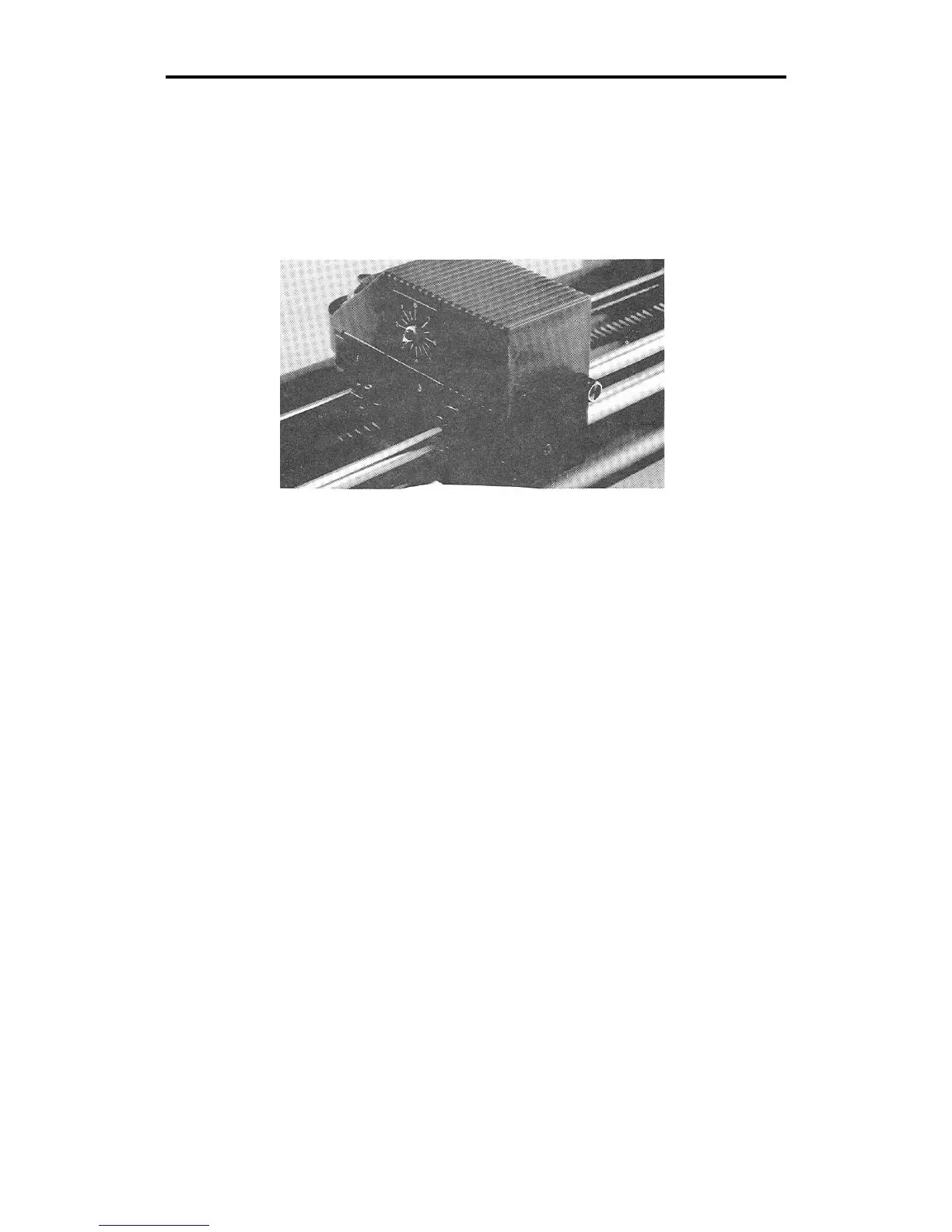
The tool force dial on the front of the housing indicates the tool force
setting and the amount of tool force, or pressure, that is applied to the
tool during operation. This pressure ensures uniform cuts and pen lines.
Tool force can be adjusted by turning the small knob on the end of the
tool force housing, as shown in the illustration below.
SETTINGS
The Plotter User Reference Card at the end of this manual lists
approximate tool force settings. Be sure to refer to this list of settings
when changing materials or applications. Below are some initial
suggestions:
! For drawing, start with a tool force setting of about .5. If your pen
does not make a clear dark line, you may wish to increase the tool
force setting.
! For pouncing, start with a setting between 5 and 6.
! When cutting regular vinyl in tangential knife mode, try a tool force
setting of 1.
! When cutting regular vinyl in swivel knife mode, set the tool force
setting at 1. The swivel knife will not pivot at corners and will begin
to cut through the material if the pressure is set too high.
! Heavier material, such as reflective vinyl, requires increased tool
force settings.



 To Next Page