Tools and Tool Handling 23
PEN REPLACEMENT
Spare pens in blue and red are included in the tool kit. Additional pens
are available through a Gerber distributor.
To replace a pen
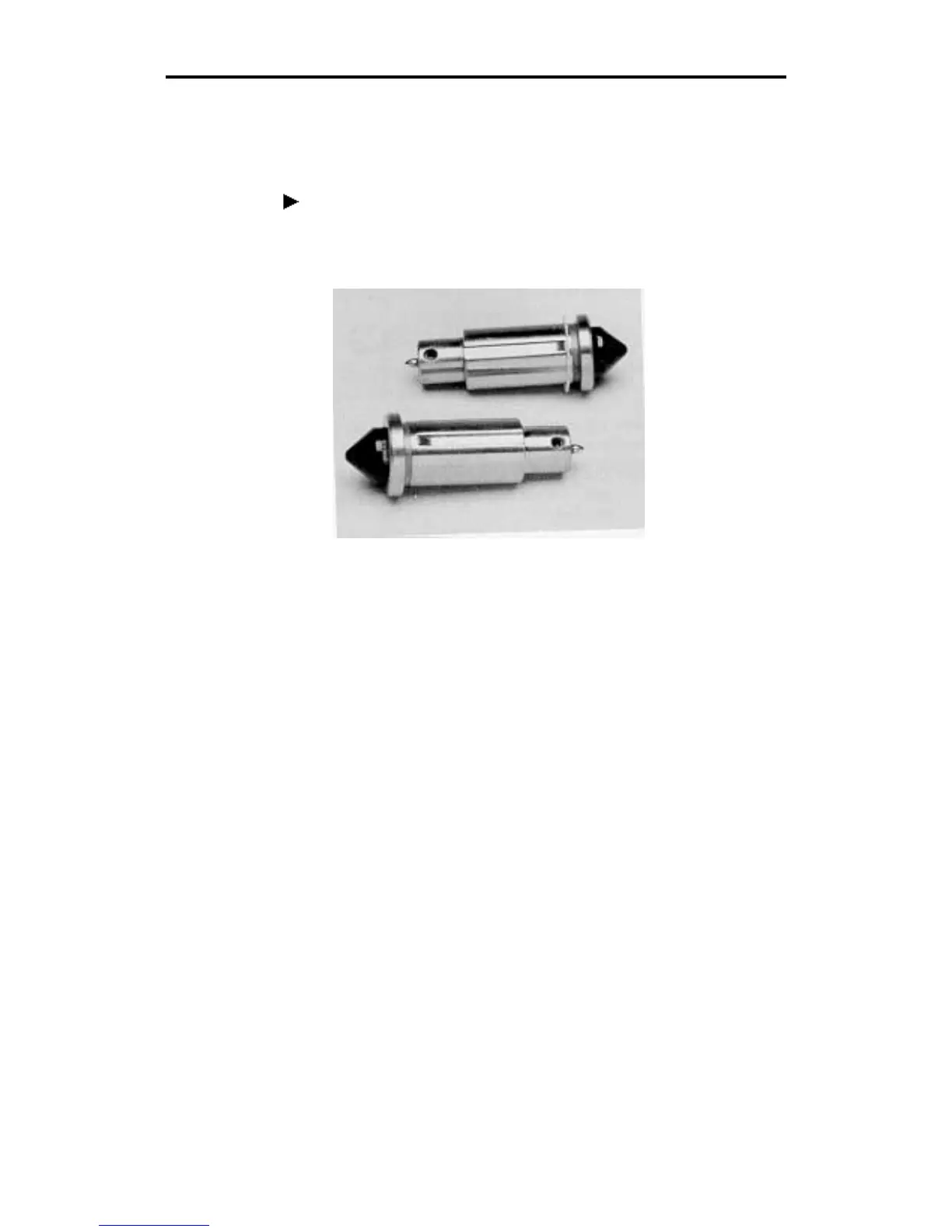
1. Insert a flat-tip screwdriver into the notch at the base of the cone-
shaped cap (see below). Pry out the cap.
2. Use the Allen wrench supplied with the tool kit to loosen the hex
screw located near the tip of the pen. Remove the pen through the
top of the holder.
3. Insert a new pen, tip first, into the top of the holder.
4. The pen height gage included with the tool kit is a washer 1/8" thick.
Place the pen height gage on a smooth, hard surface like a table top.
Position the lower end of the pen holder on the gage.



 To Next Page