34 GS15
plus
Front Panel
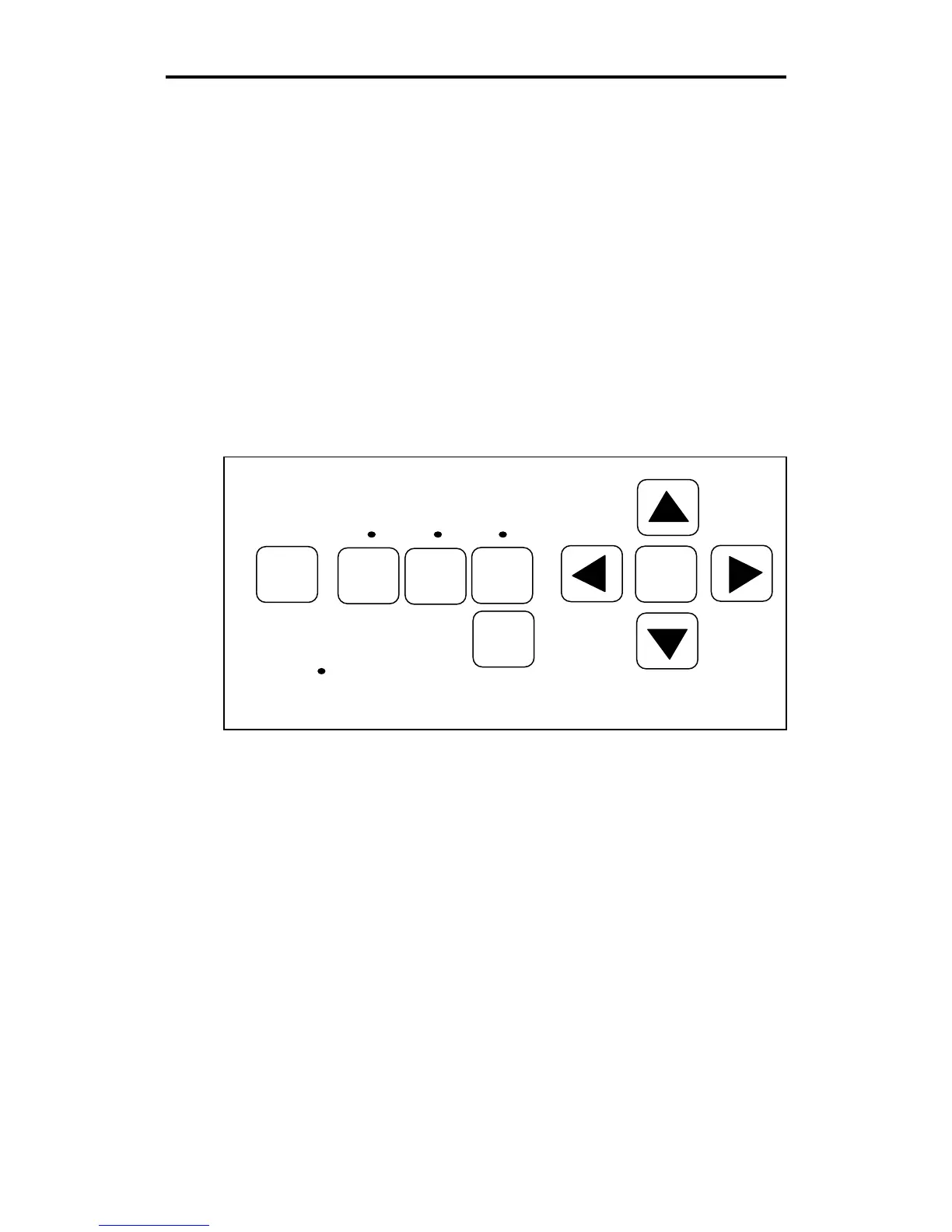
The GS15
plus
front panel keys shown below are used to perform all of
the following operations:
! Position the carriage and material.
! Put the plotter on-line for drawing, cutting, and pouncing.
! Select single or continuous job processing.
! Select knife mode.
! Initialize the knife tool.
! Access diagnostic modes, as needed. See the Special Diagnostics
and Error Conditions sections for more information.
A further explanation of key functions and several test exercises follow.
RESET
RUN
CONT
RUN
SINGLE
SWIVEL
KNIFE
SLOW
INIT
KNIFE
POWER



 To Next Page