Plotter Adjustment 73
Drum End Play Adjustment
SYMPTOMS
! Text cut in NORMAL mode has closure problems.
! Y axis backlash check procedure shows no problem.
OBJECTIVE
To slide the plotter drum and X Axis gear toward each other and clamp
them in position to remove end play; to make sure the drum still rotates
without binding.
ADJUSTMENT PROCEDURE
1. Turn the plotter power off.
2. Remove all tools and material from the plotter.
3. Open the bail arms to free drum.
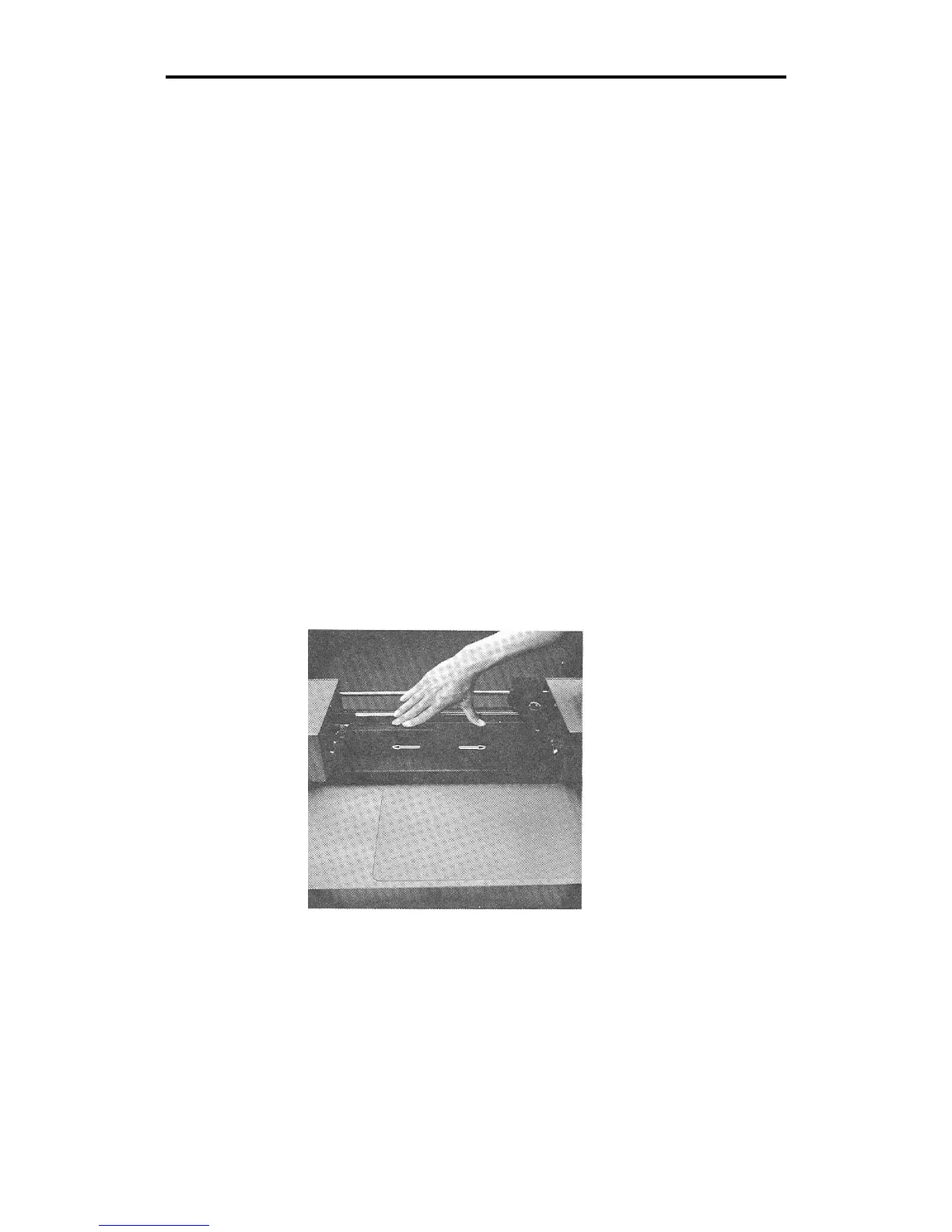
4. There should be end play of about .003 to .005 inch (see below).
This play exists because the ball bearing has a flexible race.
If the amount of play does not exceed .005 inch and all check
procedures in this section have failed to reveal the cause of the
plotter's symptoms, contact Gerber Field Service Department at 800-
828-5406, or fax at 203-645-2448.



 To Next Page