Plotter Adjustment 57
Z Axis (Tool Height) Adjustment
SYMPTOMS
! The tool does not touch the material or touches only between
characters.
! The knife does not cut deeply enough.
! The tool height changes in the middle of a job.
OBJECTIVE
To set the height of the lift fork for consistent contact of tool holder with
material.
ADJUSTMENT PROCEDURE
1. Turn off power at the plotter.
2. Adjust the pen using the pen height gage. (See “Pen Holder and
Pens”).
3. Install the pen holder in the carriage spindle.
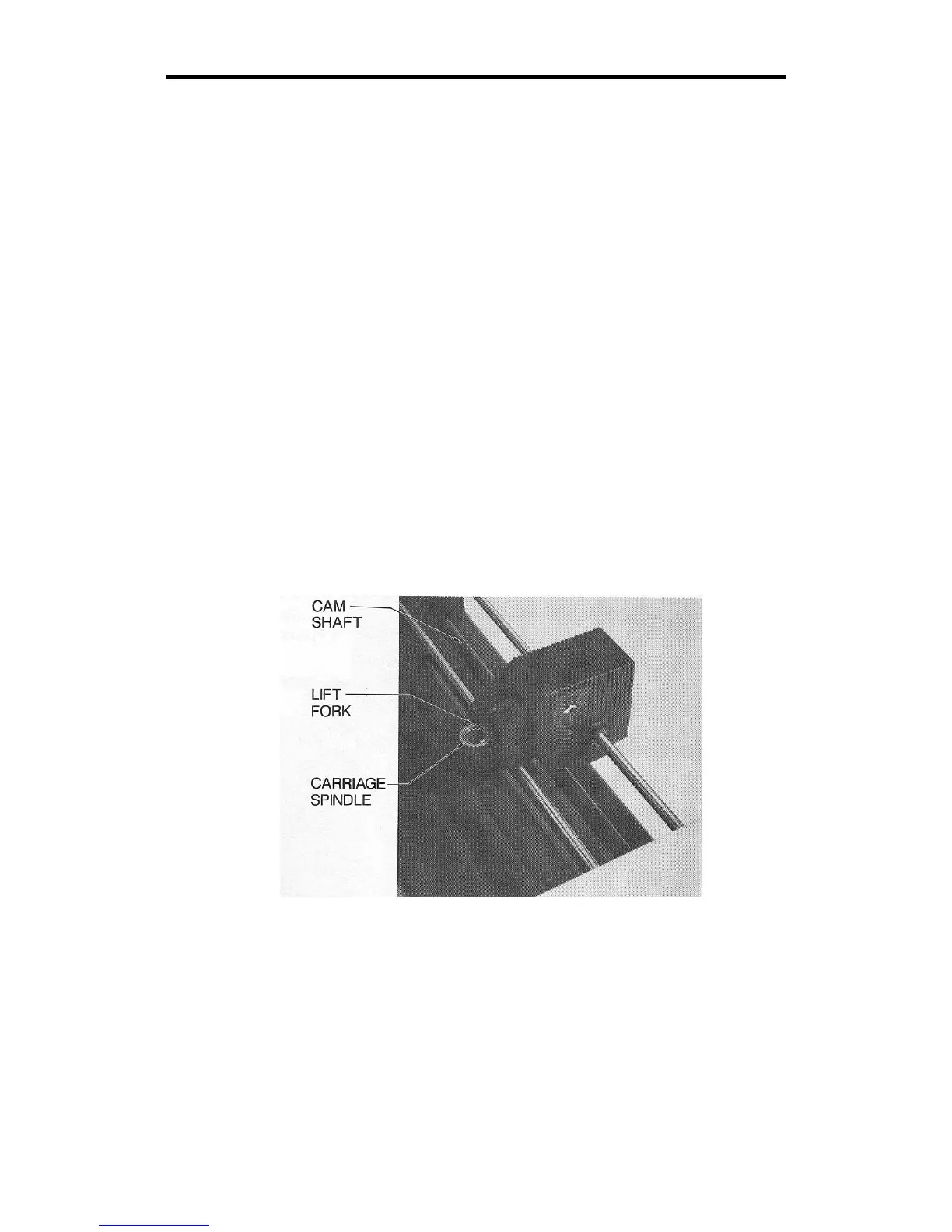
4. Rotate the cam shaft by hand counter-clockwise until the bottom of
the lift fork touches the top of the carriage spindle. See below.



 To Next Page