Installation 9
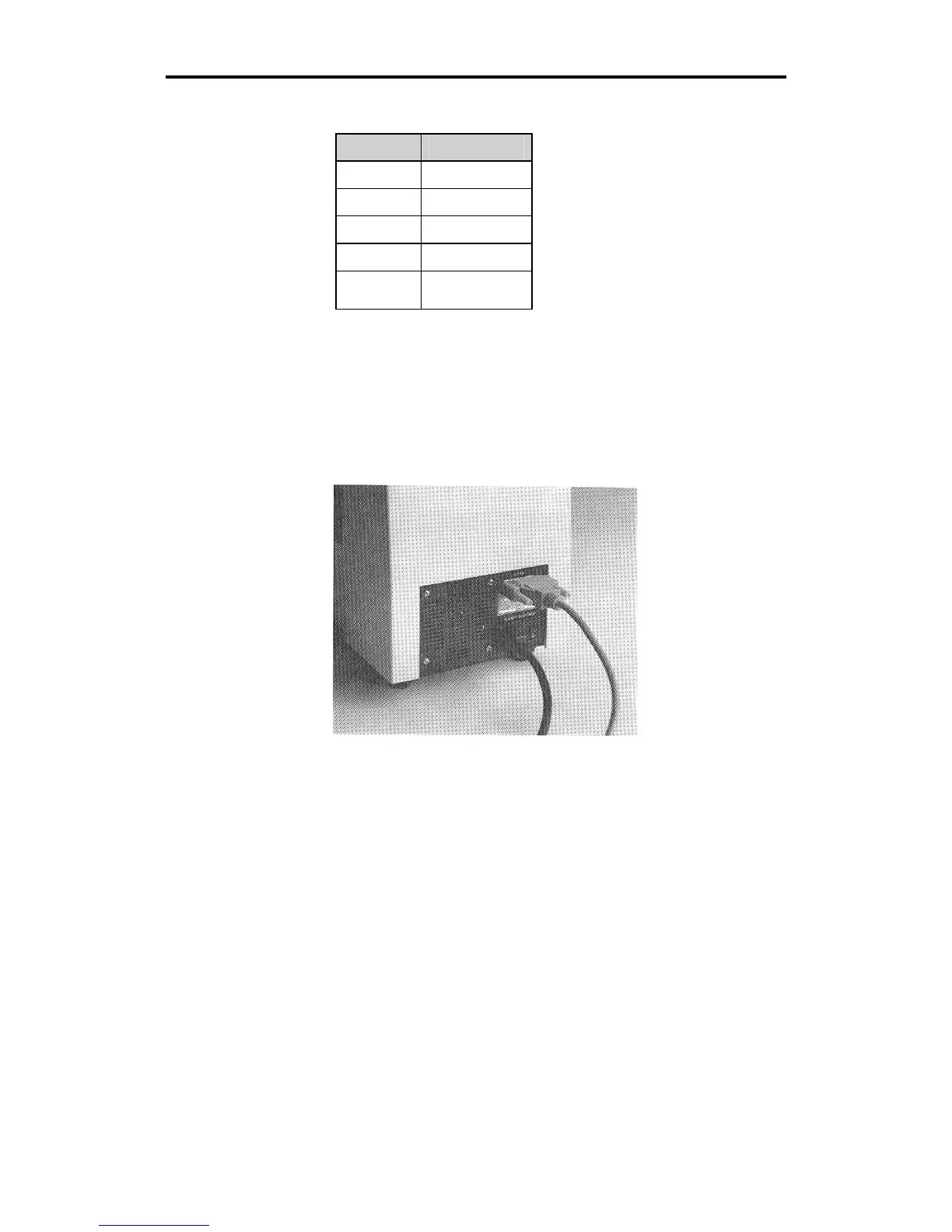
The plotter has a 25DB female connector with these pin assignments:
Pin Signal
2 Tx
3 Rx
4 RTS
5 CTS
7 Sig Gnd
All other pins are not connected.
Power Cords
1. Insert the female connector of the GS15
plus
plotter power cord into
the socket on the rear panel of the plotter.
2. Connect the power cords for both the GRAPHIX ADVANTAGE
system and the GS15
plus
to the multiple outlet strip included with
the GRAPHIX ADVANTAGE. The strip should be plugged into a
standard, grounded electrical outlet (115V +/- 10% AC, 60 Hz or
230V AC, 50 Hz).
3. Turn power on at the system and the plotter.



 To Next Page