Plotter Adjustment 69
Y Axis Backlash Adjustment
SYMPTOMS
Text cut in NORMAL mode has closure problems.
OBJECTIVE
To adjust the mesh of the jack shaft gear with the Y motor pinion to
produce good letter quality in NORMAL mode.
ADJUSTMENT PROCEDURE
1. Turn the plotter power off.
2. Remove all tools and material from the plotter.
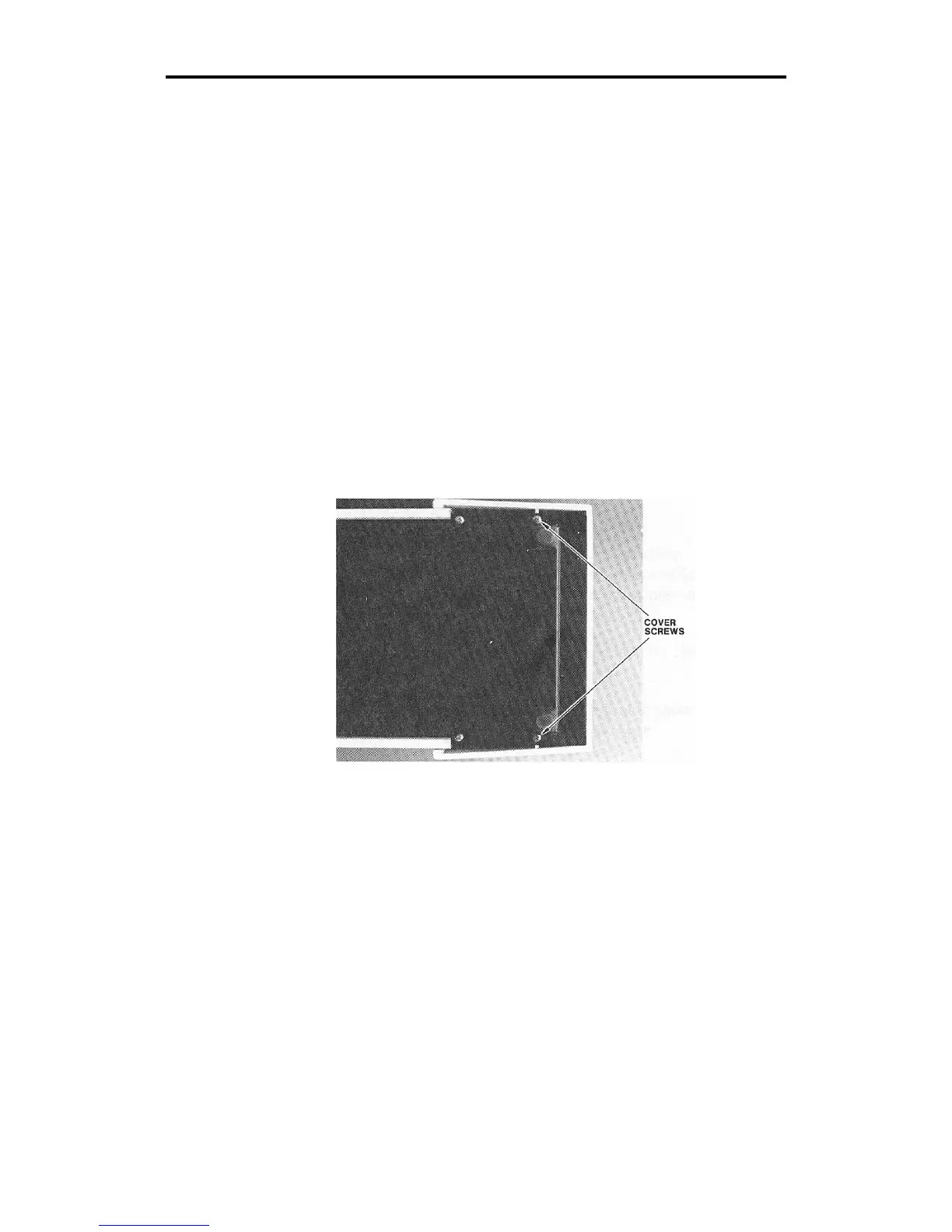
3. To remove the front cover, lay the GS15
plus
on its side and remove
the (2) Phillips head screws on the bottom edge closest to the front
of the plotter. Then stand the plotter upright.



 To Next Page