68 GS15
plus
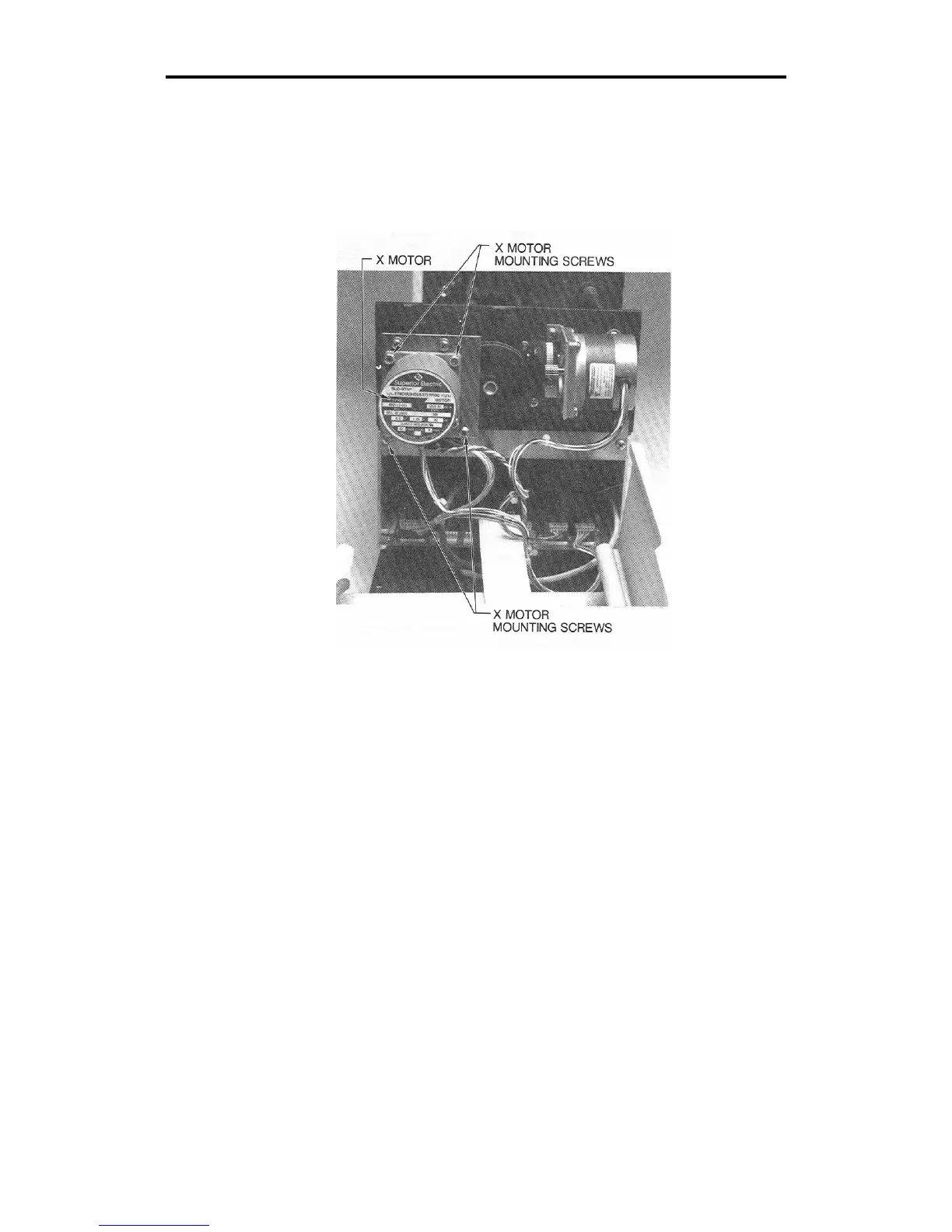
7. If the X motor belt requires adjustment, locate the four X motor
mounting screws (Phillips head screws). Loosen these screws,
which hold the X motor bracket against the standoffs on the side
plate.
8. Pull the motor up until the belt becomes tight.
9. Tighten the four screws.
10. Turn on power at the plotter.
11. Load vinyl in the plotter and install the knife holder. Select AXIS
SWAP mode and cut a test plot.
12. If symptoms persist, repeat the Adjustment Procedure.
13. Replace the front cover.



 To Next Page