Plotter Adjustment 67
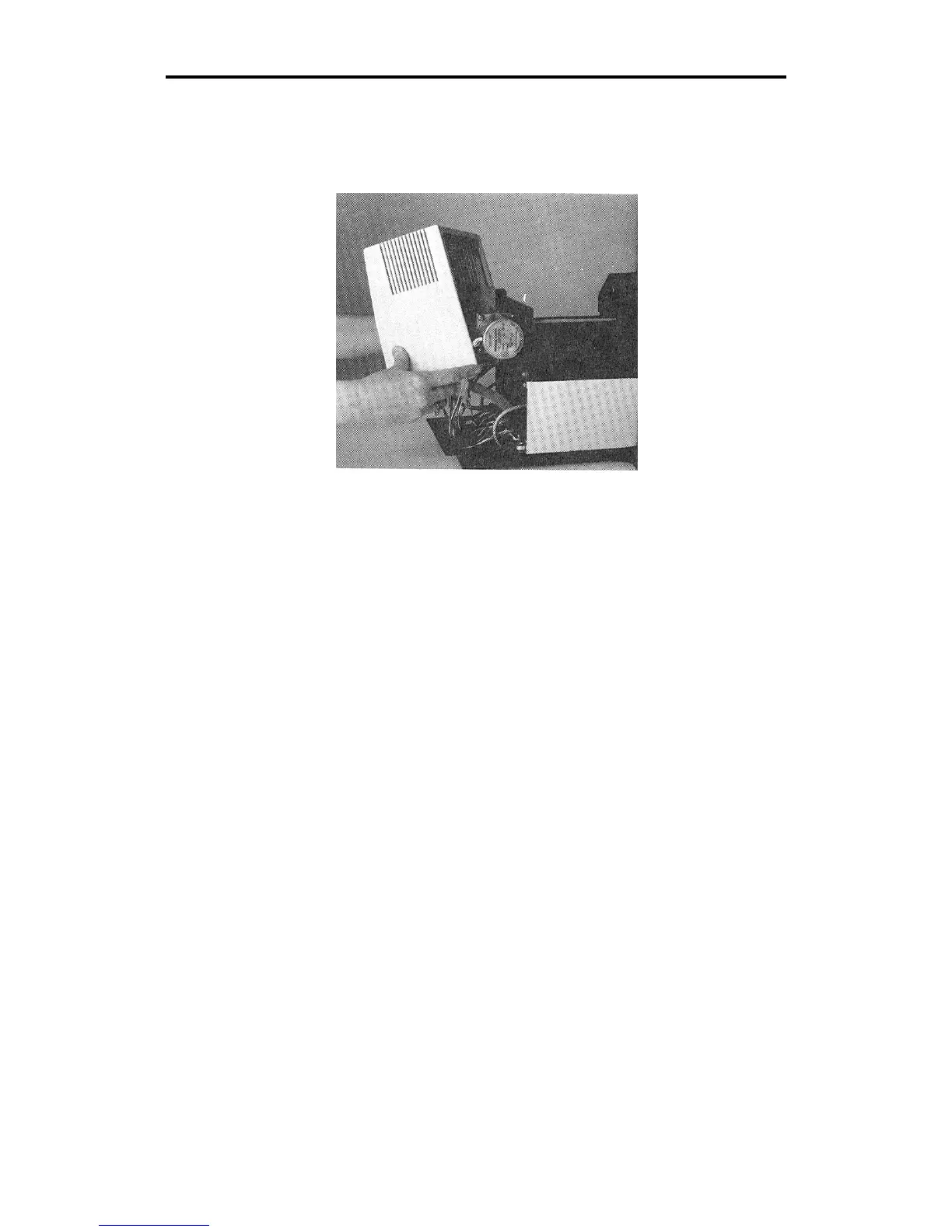
5. Pull the front cover upwards and, at the same time, pull one side
away from the plotter frame. Be careful not to lift the cover so high
that the front cable disconnects. Pivot the front cover to the side of
the plotter.
6. Locate the X belt. Press gently on the belt. There should be little or
no spring. If the belt is loose or springy, go to step 7.



 To Next Page