Service and Maintenance 53
Fuse Replacement
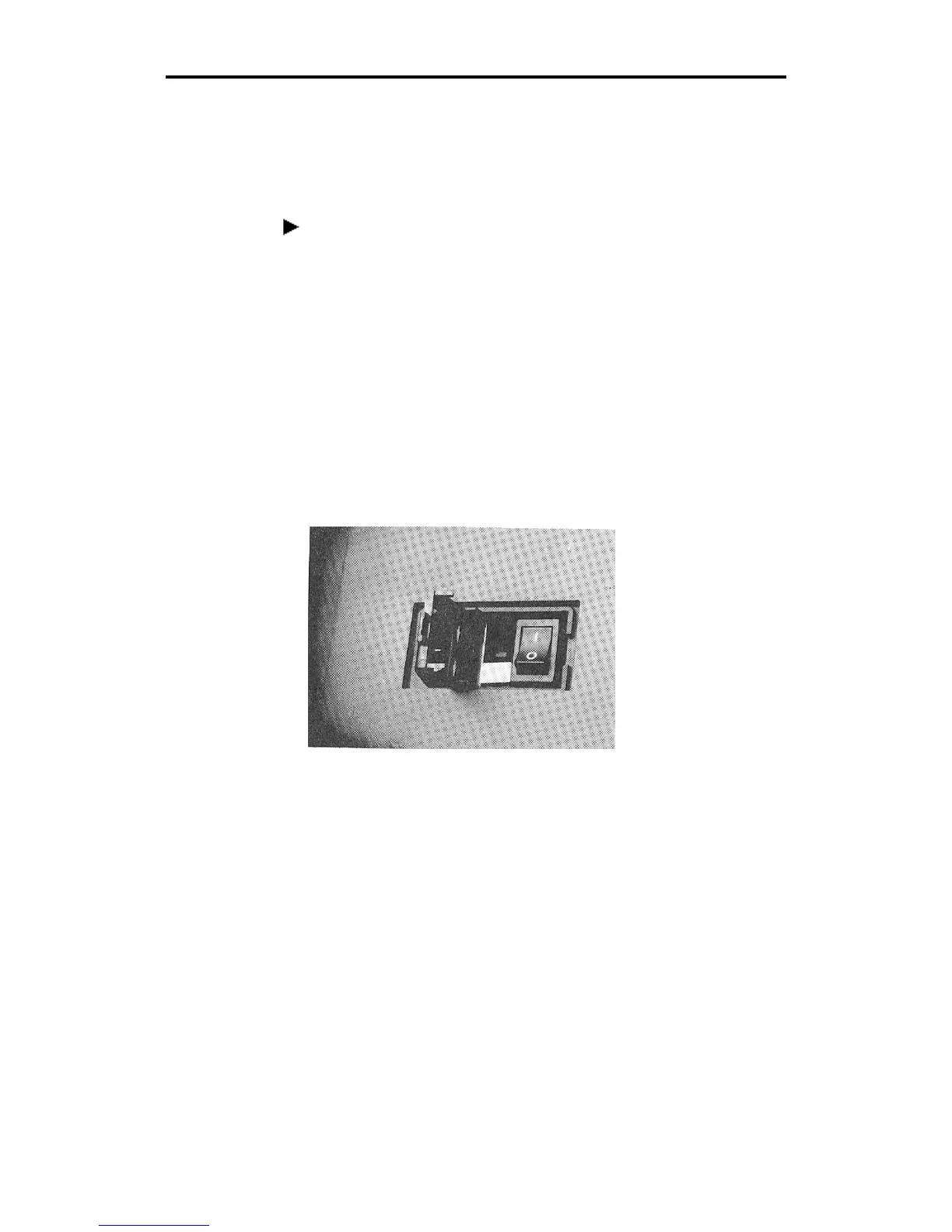
Two spare fuses are included with the GS15
plus
plotter. The fuse holder
is located between the on/off switch and the power cord connector on
the rear panel of the plotter.
To replace the fuse
WARNING: turn off power at the plotter and the system and
disconnect from the power supply.
1. Unscrew and remove the RS-232 cable from the rear panel of the
GS15
plus
.
2. Remove the plotter power cord from the socket.
3. Find the small notch at the right edge of the black plastic plate on
the rear panel.
4. Insert a flat-tip screwdriver into the notch and flip the black plastic
plate open.



 To Next Page