Page 25
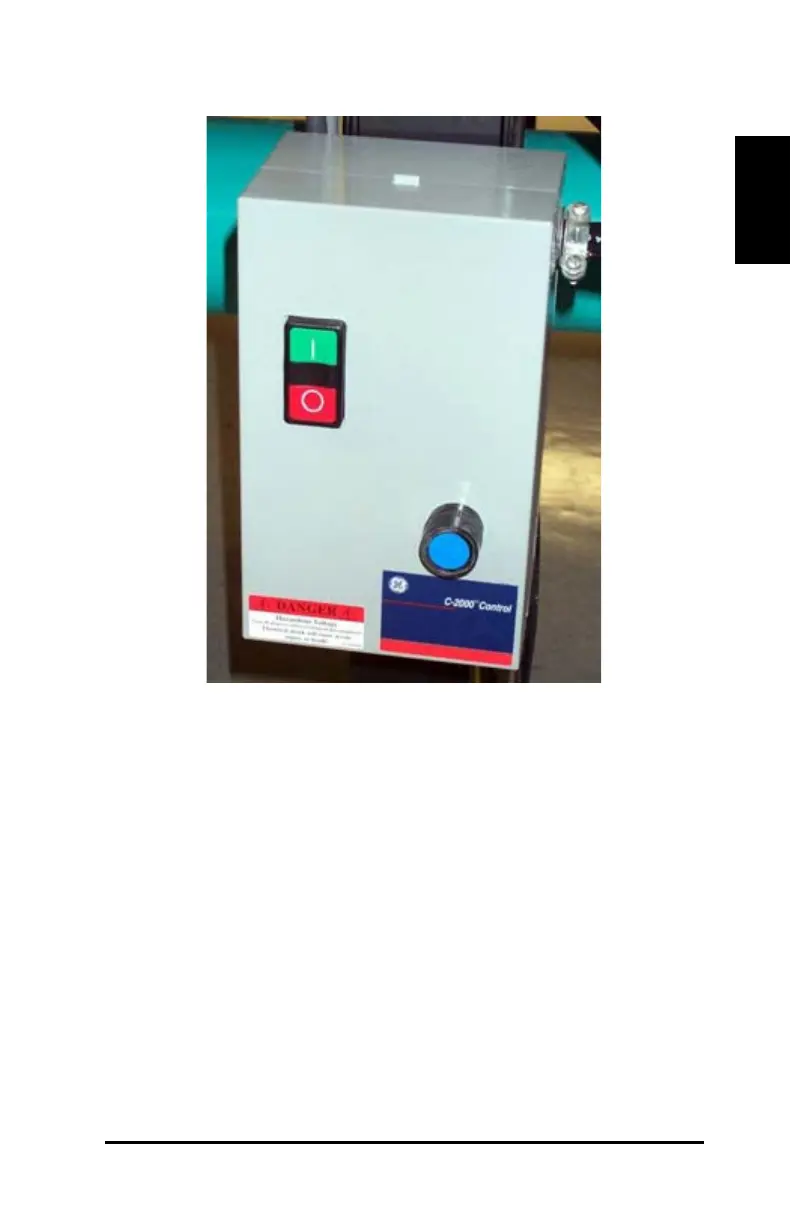
Figure 14: Vacuum starter box
Push the red (1) Off button to turn off the vacuum system
Push the green (2) On button to turn on the vacuum system.
Push the blue (3) Reset button to reset the vacuum system.
Cutting Tools
The cutting tools listed below are available for use with the DCS 1500
/2500 cutters. The wheel tool, knife cutter, pen, and laser light are
included with the cutter. The chisel notch tool, v- notch tool, and punch
tool can be ordered separately (see Consumables and Tools section).



 To Next Page