6
Turning On and Off the Tablet PC
Turning On
Press the power button (
). The Windows operating system should start.
NOTE: Tapping the screen during startup may invoke a pre-boot menu
(unless the default settings have been changed). If the menu appears, simply
select Continue.
Turning Off
When you finish a working session, you can stop the system by turning off
the power or leaving it in Sleep or Hibernation mode:
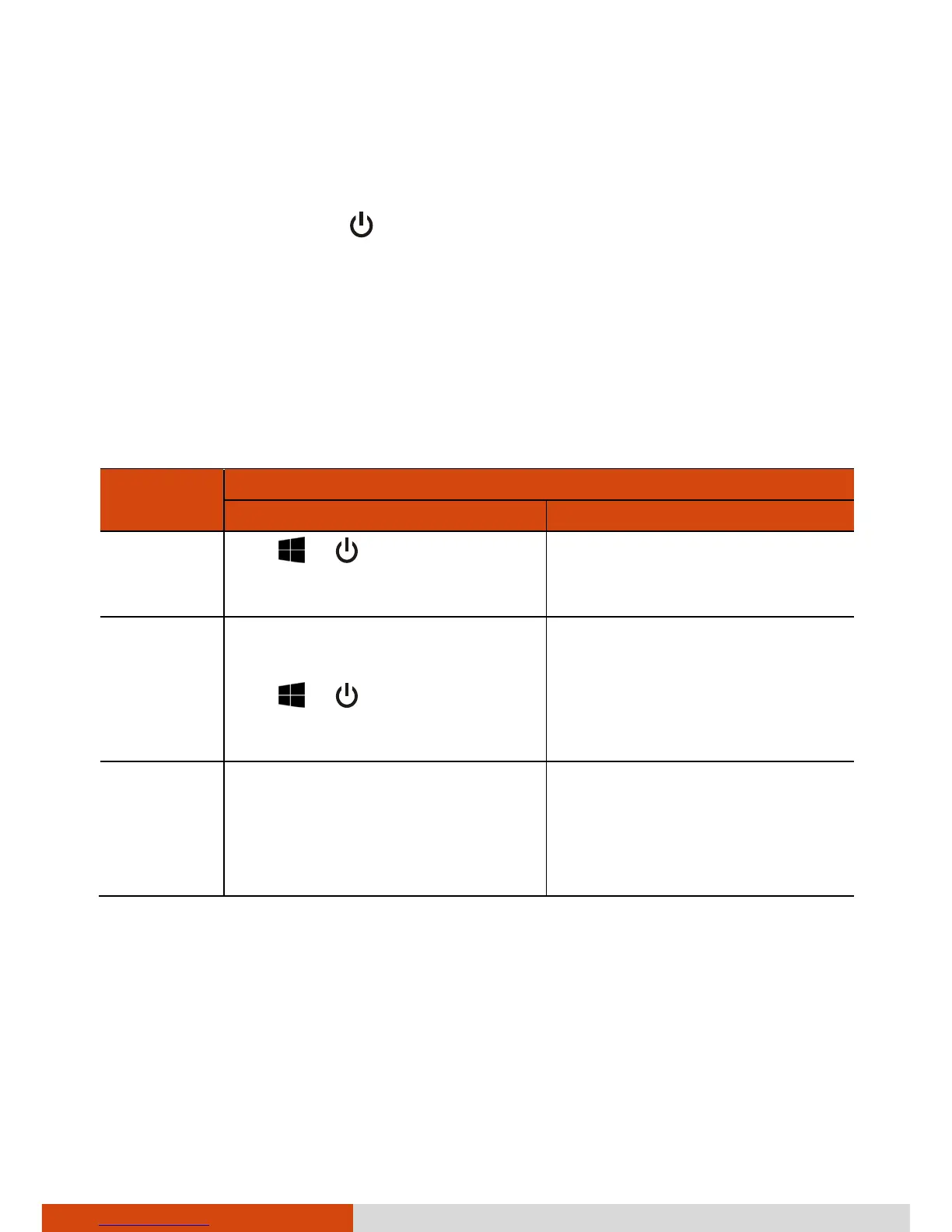
To...
Do this...
Windows 10 Windows 7
Power off
(Shutdown)
Tap Power Shut
down.
Use the Windows Start menu
in the lower left and follow
the shutdown procedure.
Sleep Press the power button.*
-or-
Tap Power Sleep.
Press the power button.*
-or-
Use the Windows Start menu
to put the Tablet PC in Sleep
mode.
Hibernate
By default, this option is not
shown in the Start menu. If you
want to use the feature, set up
accordingly in Windows
settings.
Use the Windows Start menu
to put the Tablet PC in
Hibernation mode.
* “Sleep” is the default setting of the power button. You may change what
the power button does in Windows settings.



 To Next Page