25
Using the GPS Feature (Optional)
GPS (Global Positioning System) technology allows you to pinpoint the
geographic location of the computer and use the data for navigational and
other purposes.
NOTE:
You need to install third-party software to take full advantage of the
GPS feature.
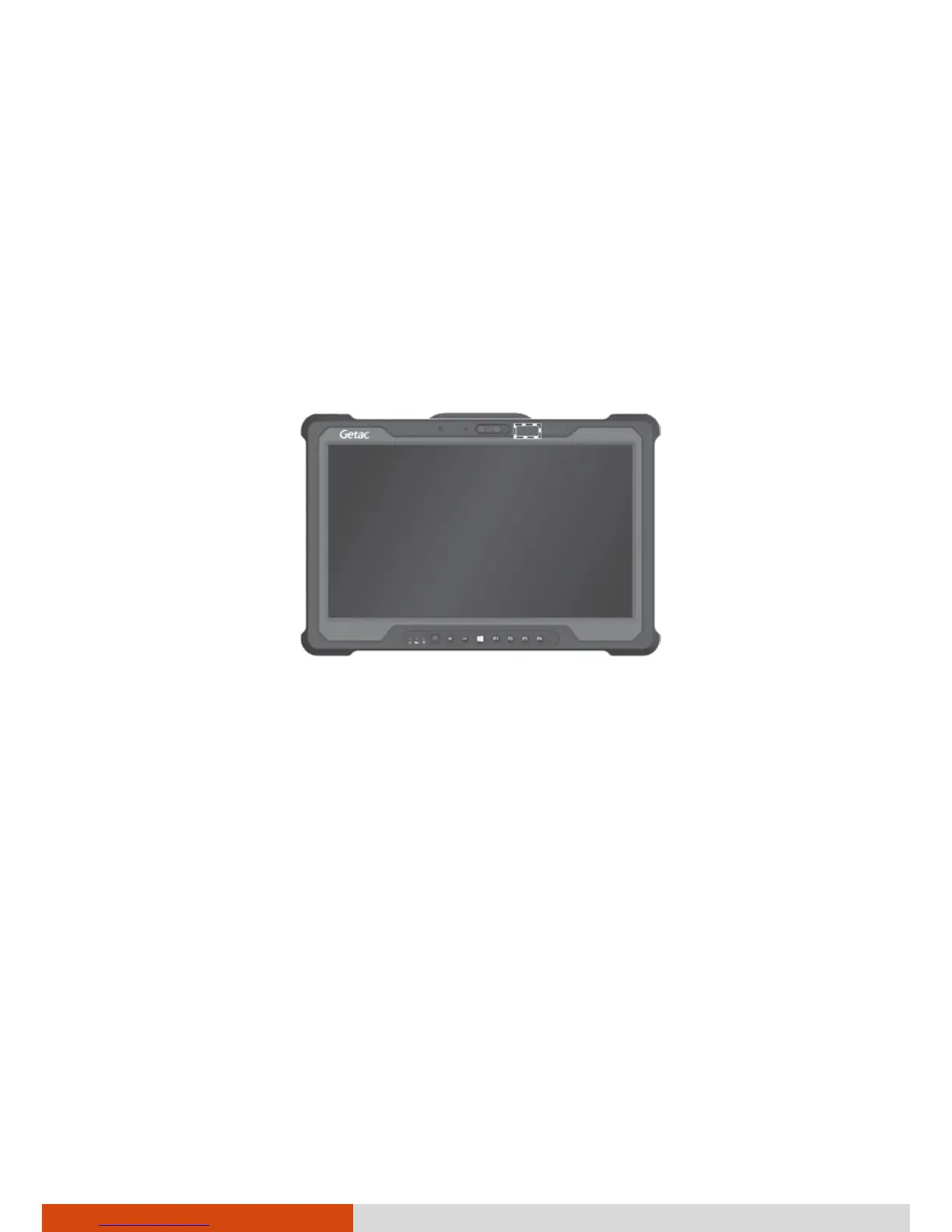
Do not block the antenna area.
You can view GPS information by running the G-Manager program and
selecting the GPS Status tab.
GPS antenna



 To Next Page