18
Using Network and Wireless
Connections
Using the LAN
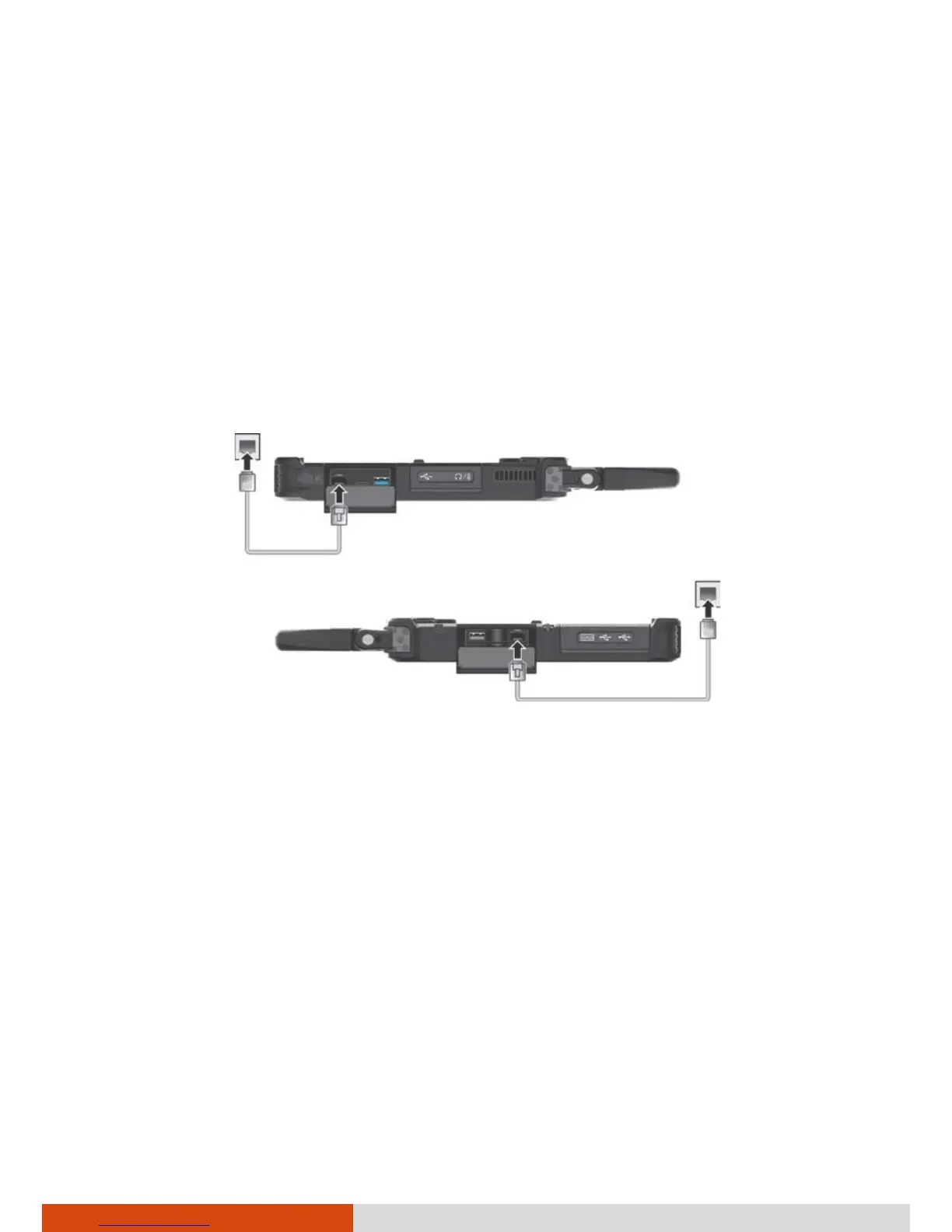
Your Tablet PC has two LAN modules so you can connect to two networks at
the same time.
To connect the network cable to the LAN module, connect one end of the
LAN cable to the RJ-45 connector on the Tablet PC and the other end to the
network hub.
NOTE: If your model’s CPU supports vPro, use LAN1 for the vPro feature.
LAN2
LAN1



 To Next Page