7
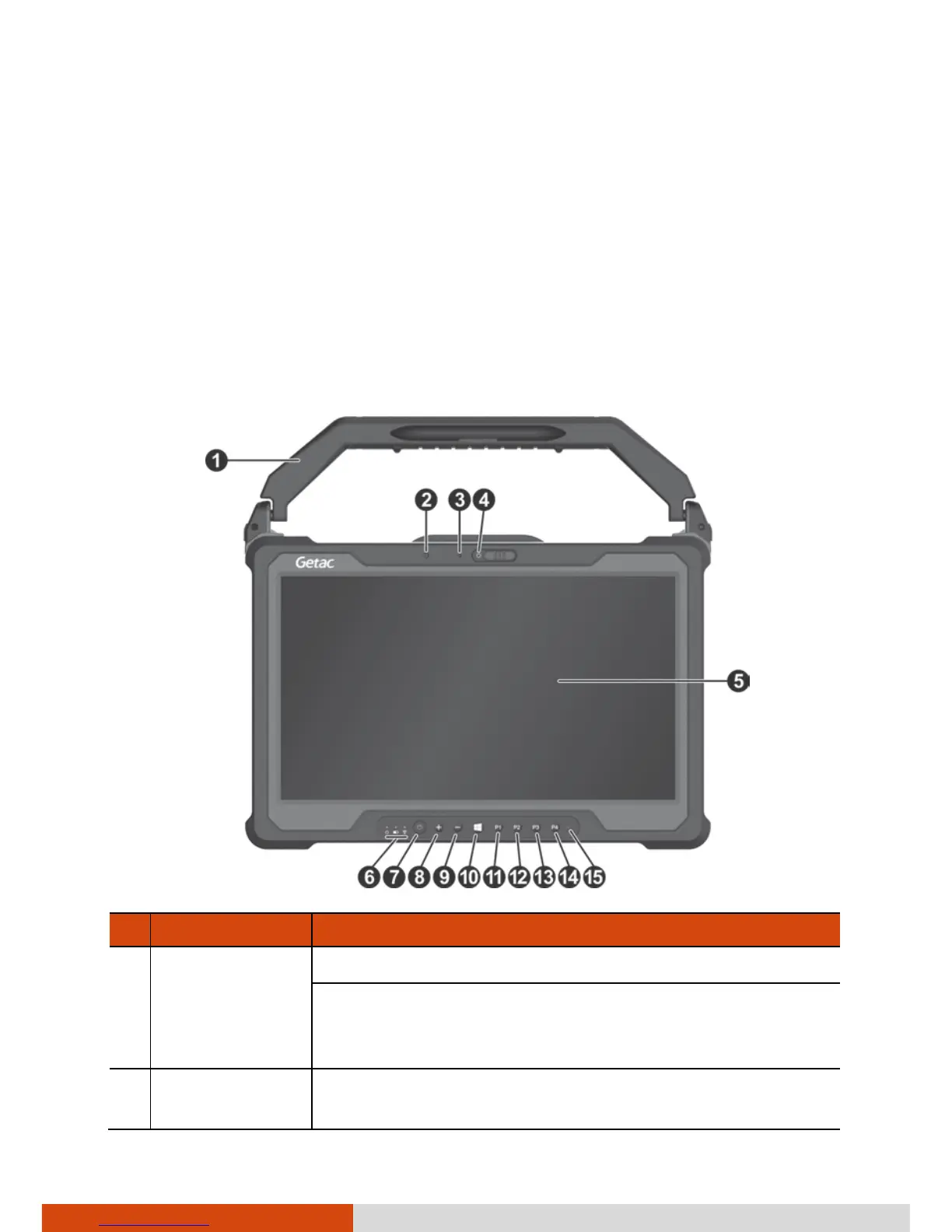
Taking a Look at the Tablet PC
NOTE: Depending on the model you purchased, the appearance of your
Tablet PC may not be exactly the same as those shown in this manual.
CAUTION: You need to open the protective covers to access the connectors.
When not using a connector, make sure to close the cover completely for
water- , dust-, and fire-proof integrity. (Engage the locking mechanism if
existing.)
Front Components
Ref
Component Description
Handle
(optional)
Provides a convenient way to carry the Tablet PC.
Also serves as a stylus holder. The handle has a slot
and two holes for the stylus. You can use any one for
storing the stylus.
Light sensor
Senses the ambient light for automatic adjustments
of the display backlight.



 To Next Page