2
Getting the Tablet PC Running
Unpacking
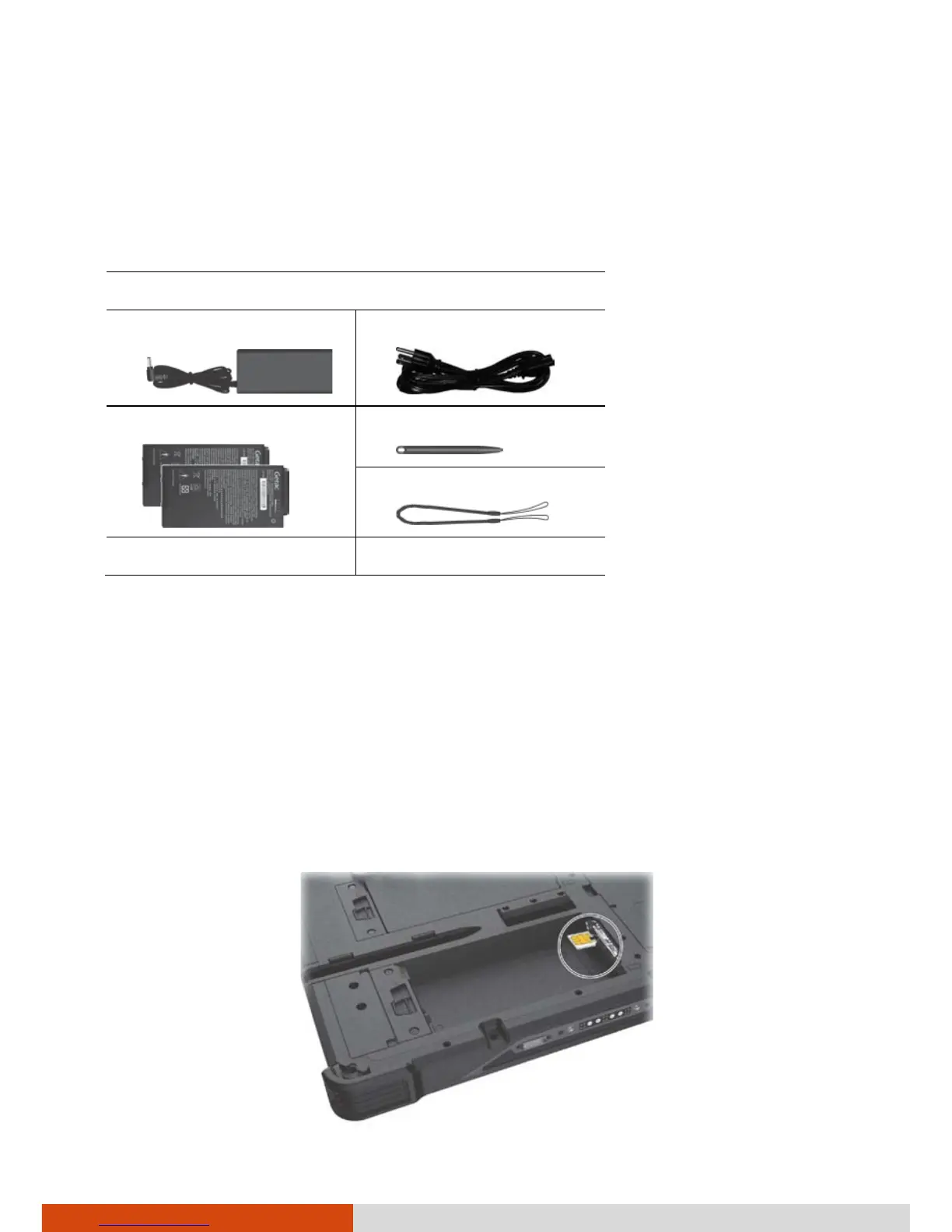
After unpacking the shipping carton, you should find these standard items:
A140 Tablet PC
AC adapter
AC power cord
Battery pack x 2
Stylus
Tether
Document(s) Driver disc (optional)
Inspect all the items. If any item is damage or missing, notify your dealer
immediately.
Installing the Micro-SIM Card (Optional) and
Battery Packs
1. Select models only:
With the mirco-SIM card’s chip side facing up and the beveled corner
pointing to the slot, insert the card all the way into the slot.



 To Next Page