46
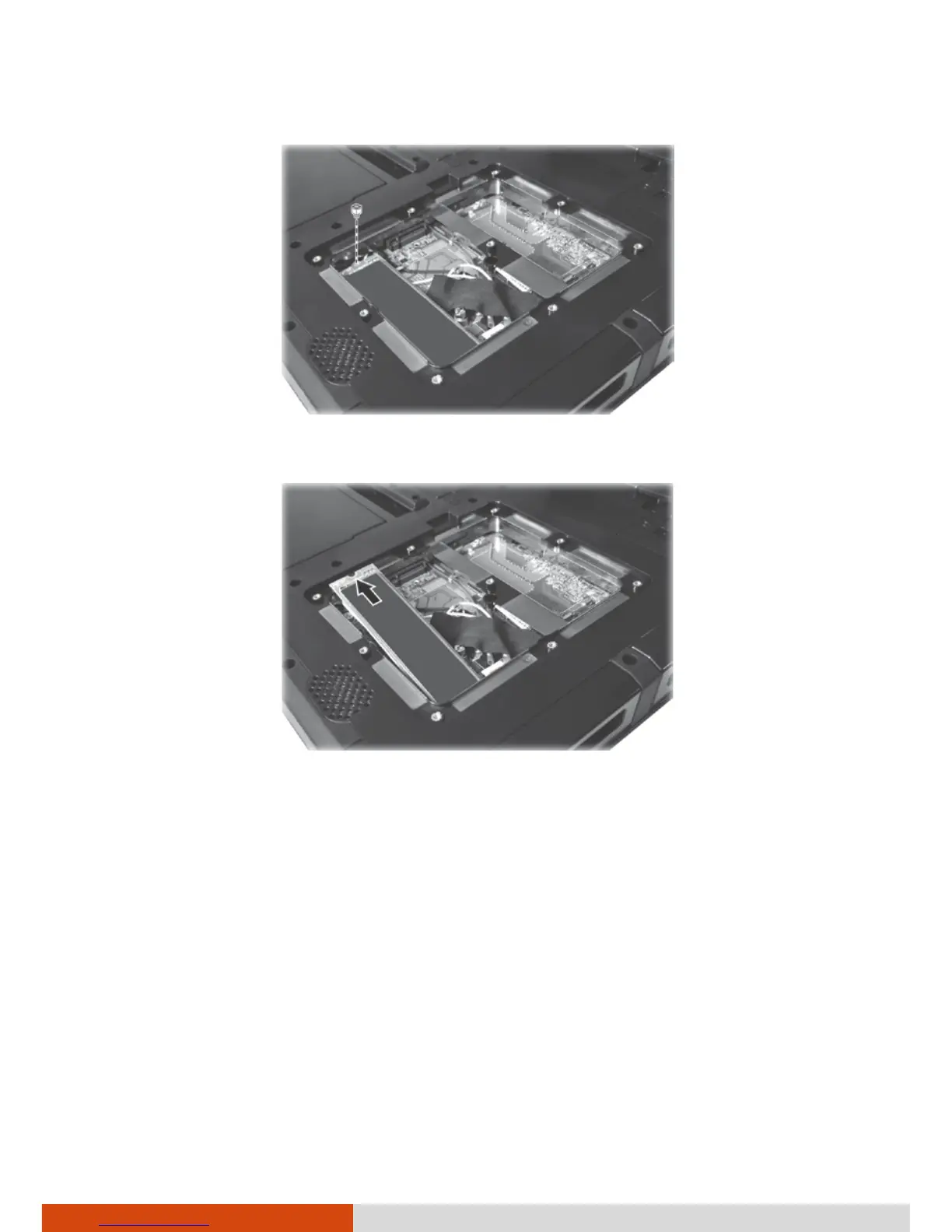
5. Unfasten the standoff.
6. Detach the SSD from the system board.
7. Plug the new SSD into place and tighten the standoff.
8. Replace the metal plate and secure with 3 screws.
9. Close the compartment cover and secure with 9 screws.
10. Replace the battery packs.



 To Next Page