34
Using the Fingerprint Scanner
(Optional)
CAUTION:
We shall not be liable for any loss or damage whatsoever resulting from
your use of the fingerprint scanner or neglect of fingerprint scanner use,
or any data loss resulting from such developments as fingerprint
authentication malfunctioning.
It is not recommended that you use the fingerprint scanner in a below-
freezing temperature. The moisture on your finger can freeze to the
scanner’s metal surface when you touch it, resulting in a failed operation.
Besides, touching freezing metal with your finger can cause frostbite.
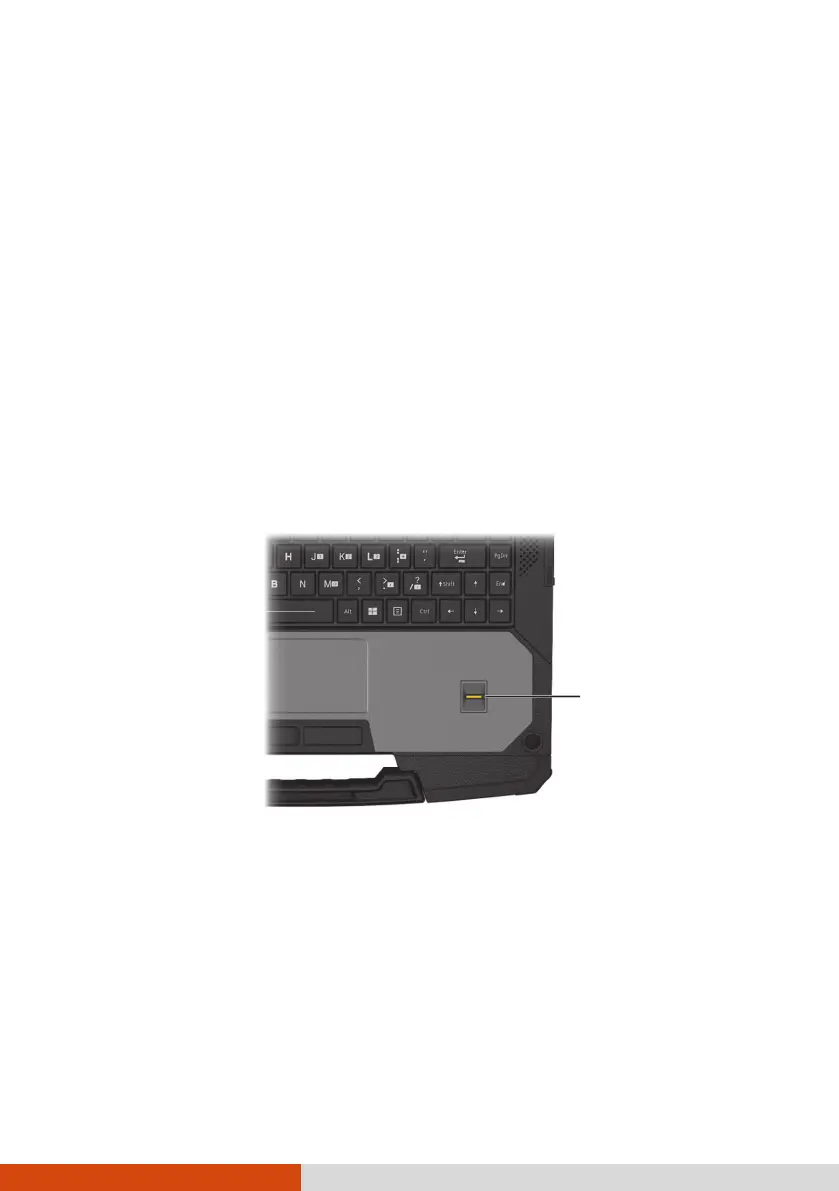
The fingerprint scanner provides a strong authentication mechanism based
on fingerprint recognition. You can log on to Windows and dismiss the lock
screen with an enrolled fingerprint instead of a password.
NOTE:
You can enroll a fingerprint only after creating a password for the
Windows user account.
The fingerprint logon process can take a while. This is because the system
has to check hardware devices and security configuration before initiating
the fingerprint scanner.
To enroll your fingerprint:
1. Go to Settings Accounts Sign-in options.
2. Select the fingerprint option. Follow the onscreen instructions to complete.



 To Next Page