31
Functions during a call
S1_SL1 / englisch / A31008-X150-B103-1-7619 / during.fm / 02.10.2003
Make a call to the internal user:
Toggling
Precondition: You have established an enquiry call (page 29 and page 30).
There is both an active call (the one established with an enquiry call) and a held call (the
first). You can speak to both callers one at a time.
Use ts
to swap between the two callers.
An external party hears the set-up waiting melody in a connection on hold (page 123)
when the connection is on hold internally (page 122). An internal party in a connection
on hold does not hear a waiting melody.
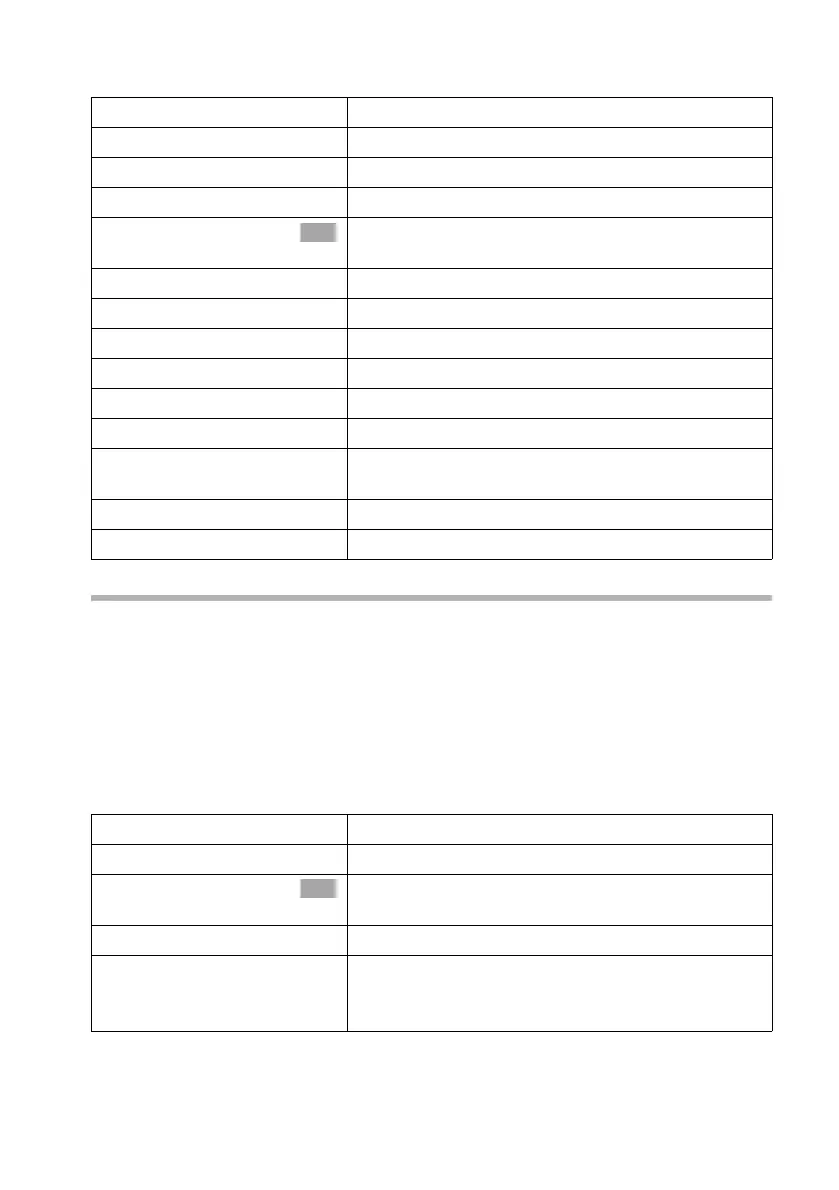
Ending an enquiry call/toggling:
either ...
~
Enter the number of the internal party you want.
or ...
[RRRRRRRRRRRRRRRRRRRRRRRRRR]
LIST
Press the display key.
s Int.11
Select internal number, e.g. Int.11 and confirm.
The connection to the internal party is established.
The internal party dialled is busy:
[RRRRRRRRRRRRRRRRRRRRRRRRRR]
BACK
Press the display key to return to the external party.
The internal party has answered:
either ...
Toggle (page 31):
ts
Swap between callers.
or ...
Conference call (page 32):
[RRRRRRRRRRRRRRRRRRRRRRRRRR]
CONF.
Press the display key to establish conference switch-
ing.
or ...
Transfer the call (page 33).
OK
either ...
End the call that is currently active:
v
Open the menu.
s End
Select the menu item and confirm. You return to the
waiting caller.
or ...
a
Press end call key.
The active connection is ended. You will automati-
cally be called again by the person on hold.
OK



 To Next Page