3.4.3 Data Delete
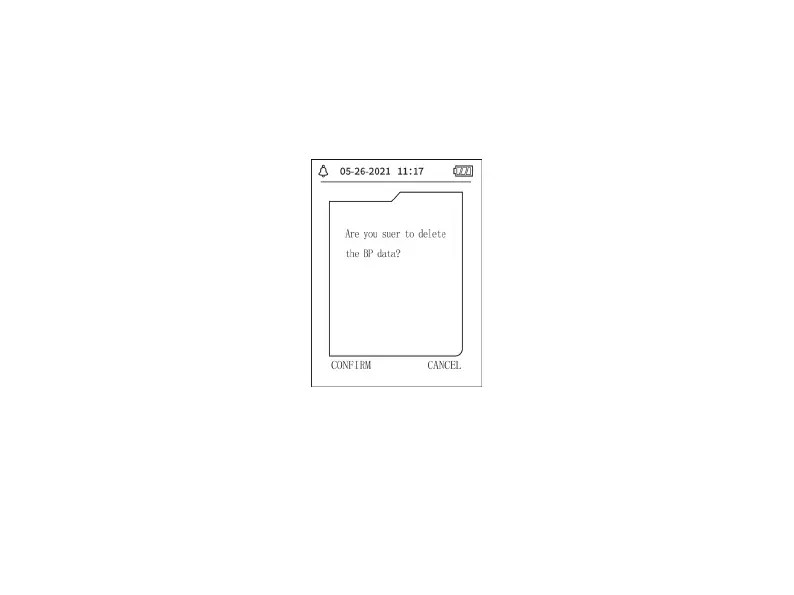
Select "YES" in " DELETE DATA" menu of [SYSTEM MENU], after you press certain key, the
following menu will pop up:
Figure 3.4.4 Data Delete
If press "CONFIRM", the common user data will be deleted, press "CANCEL", the operation will
be canceled.
3.4.4 Prompt Setup
Select "PROMPT SET" item in [SYSTEM MENU] to enter its setup interface, then make


 To Next Page