3.4.5 ABPM Menu
1
.ABPM mode
After the ambulatory blood pressure menu is operated correctly(refer to 3.4.1), select "ABPM" menu
in [SYSTEM MENU] to enter its interface.
Switch the "ABPM ON-OFF" to "
BEGIN", then a prompt message for ABPM of current user will
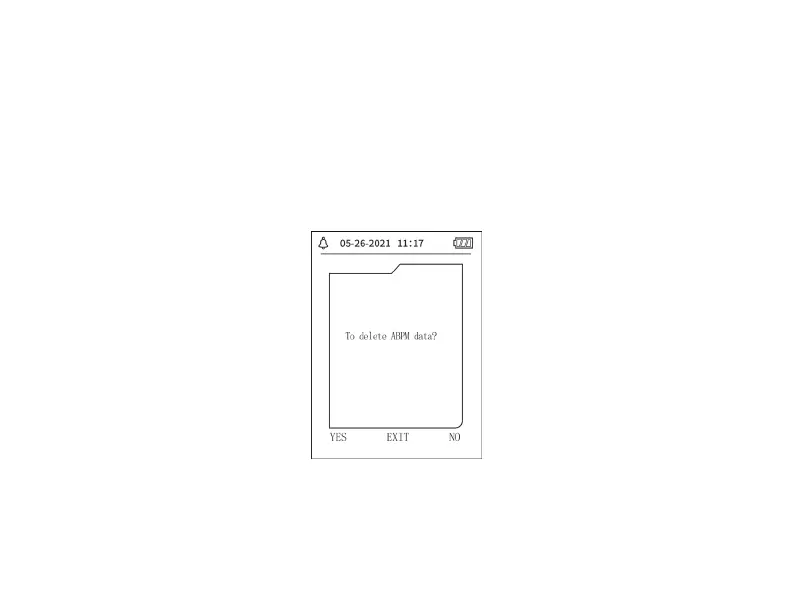
pop up, such as:
Figure 3.4.5 ABPM Prompt Menu


 To Next Page